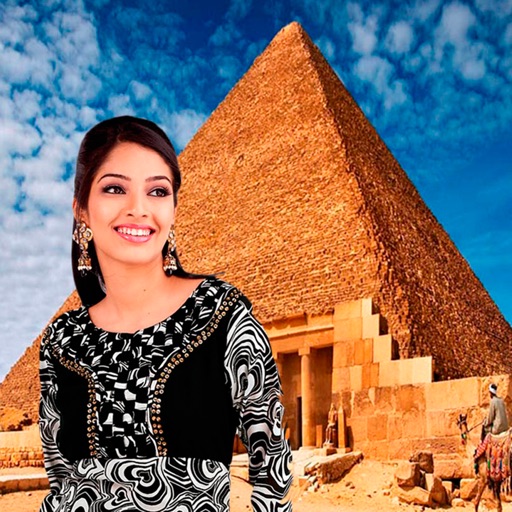
Select a monument from the collection. Crop a photo by pressing the silhouette button. Draw the desired area your finger to cut out your figure. Position yourself within the chosen image section.
Edit photos with grid layouts, brightness, contrast, and saturation adjustments. Apply filters to enhance images. Create collages with multiple layout options. Export edited photos in various formats.
Create custom photo templates and choose from multiple layouts. Share photos via email, AirDrop, WhatsApp, or iMessage. Print photos using AirPrint. Add hundreds of stickers and filters to enhance images.
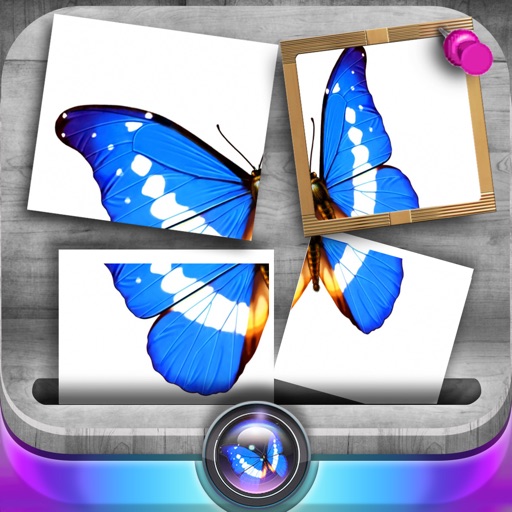
Edit photos by slicing and reassembling them freely. Decorate slices with stickers, frames, text boxes, backgrounds, and filters. Combine multiple photos by to create custom art.
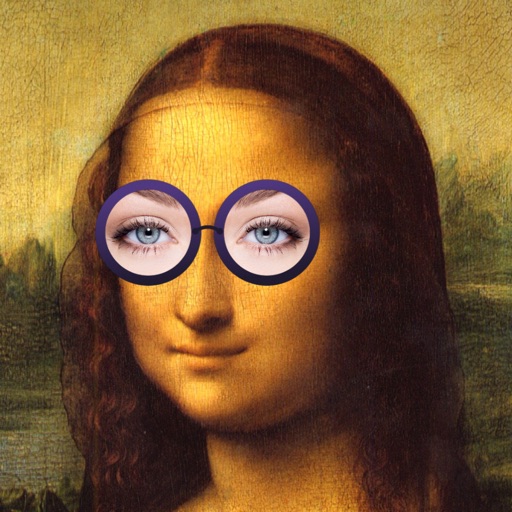
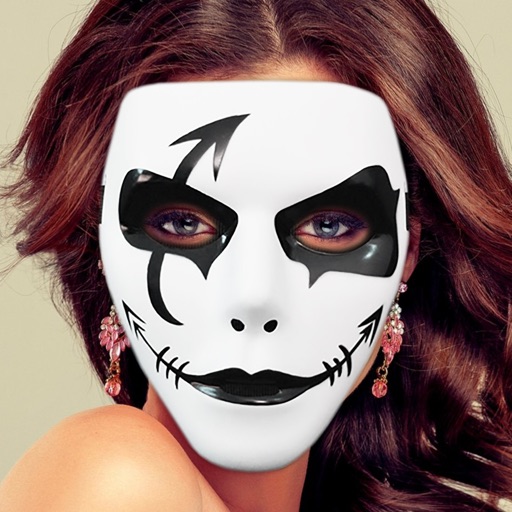
The app allows users to add various mustaches, hairstyles, beards, glasses, and hats to photos. Users can select images from their library or take new ones, then apply filters, frames, and captions.
Capture photos with automatic time, date, and GPS location stamps. View customizable AR overlays and map locations for each image. Use for travel, documentation, or journaling with accurate geotagging and visual tracking.