Create custom photo templates and choose from multiple layouts. Share photos via email, AirDrop, WhatsApp, or iMessage. Print photos using AirPrint. Add hundreds of stickers and filters to enhance images.
by Yoshari Soto★ 4.7127 ratingsPhoto & VideoFreeData updated 2026-09-06
Capture photos with vintage filters and frames. Add text, stickers, and emojis. Save or share images directly. Includes motion detection for continuous shooting. Offers instant print options through compatible printers.
Take photos with front- and rear-facing cameras. Apply real-time effects like Twirl, Light Tunnel, X-Ray, Squeeze, and Kaleidoscope. Share photos via AirDrop, Mail, Messages, iCloud, or social networks.
The app transforms faces into art with mutations and effects. Users can take or import photos, view creations in a gallery, and share them on social media.
Edit photos to adjust proportions including waist, thighs, arms, and legs. Modify height and resize buttocks. Use auto face detection for facial enhancements. Share edited images directly.
The app offers over 500 live face filters and unique video effects for creating humorous videos. Users can also apply over 40 voice-changing effects and adjust recording speed.
Edit photos with multiple camera models simulating DSLR, iPhone, and film styles. Use AI to enhance natural features and apply various portrait styles. Save money by avoiding camera purchases.
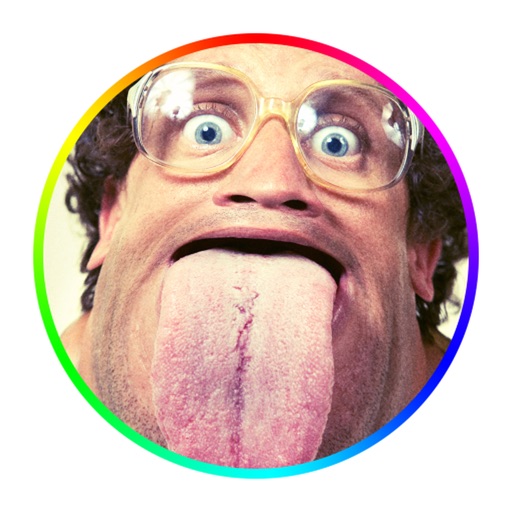
Take photos and videos with 9 customizable effects including smile enhancement, face stretching, and character transformations. Adjust effects on-screen. Share images and videos via email, Twitter, or Facebook.
Decorate photos with over 400 styled stickers. Place stickers using simple and intuitive controls. Add text, filters, overlays, and frames to enhance images. Supports iPhone, iPod Touch, and iPad.
Edit photos and videos with 6 custom film camera filters and 14 unique film stock options. Apply 130 professional presets for consistent color grading. Adjust exposure, contrast, and saturation manually.
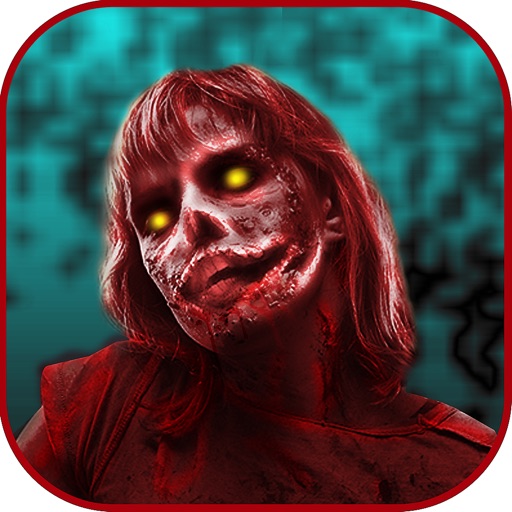
Apply photo filters to create horror-themed images. Edit photos with cropping, adjustments, and effects. Add text and stickers for a creepy atmosphere. Export and share edited photos in various formats.
Apply masks to photos by selecting from over 50 options. Adjust mask position and size. Crop or scale the photo freely. Save and share the edited image.
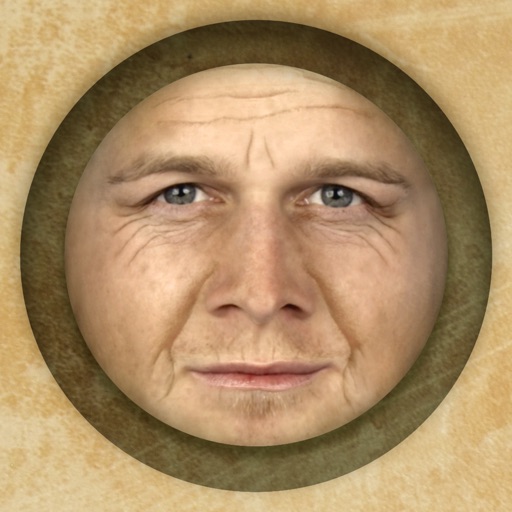
Predict how faces will look as they age. Upload photos to generate aged versions. Adjust aging intensity and style. Share results via email, messaging apps, and social media. Includes features like shaking to trigger aging effects.