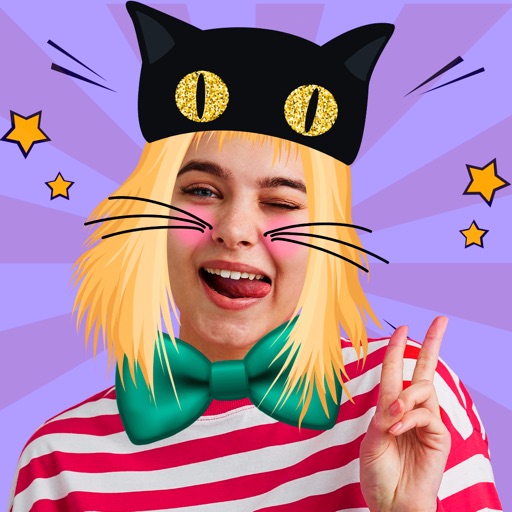
Edit photos with multiple props, frames, and effects. Apply presets and overlays. Capture photos in portrait, landscape, or square orientation. Share images directly to social media. Supports iPad, iPhone, and iPod Touch.
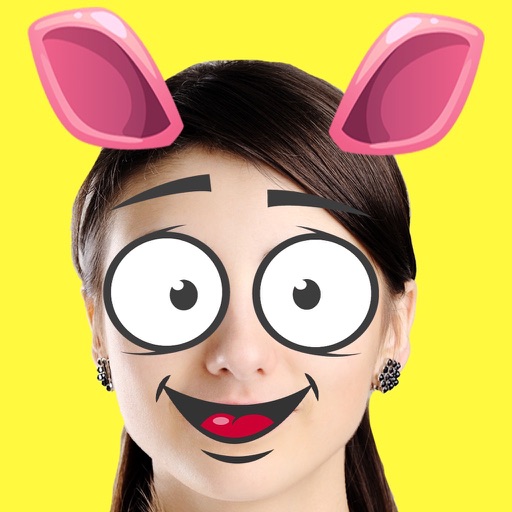
Create animated pet images with voice outputs. Add props like glasses and stickers to . Record messages for pets to repeat. Share customized pet images with friends.
Edit photos with twisting, morphing, pinching, and warping tools. Apply 800+ free in . Record videos with , pause to change them mid-recording. Add music from device library. Export and share edited media.
Edit photos and videos with over 1000 effects. Transform images by twisting, morphing, pinching, and warping. Create 3D mazes from photos. Play interactive games with media. Export edited content in various formats.
The app offers over 1000 effects, including AI art styles, background replacement, and makeover options. Users can create unique photo montages and collages with a built-in editor and share their creations.
Take photos or choose existing images. Adjust and crop the photo. Add holiday-themed objects like hats, trees, and glasses. Apply Christmas-themed effects and frames. Share the edited photo on Facebook, Twitter, or via email.
Take photos with front- and rear-facing cameras. Apply real-time effects like Twirl, Light Tunnel, X-Ray, Squeeze, and Kaleidoscope. Share photos via AirDrop, Mail, Messages, iCloud, or social networks.
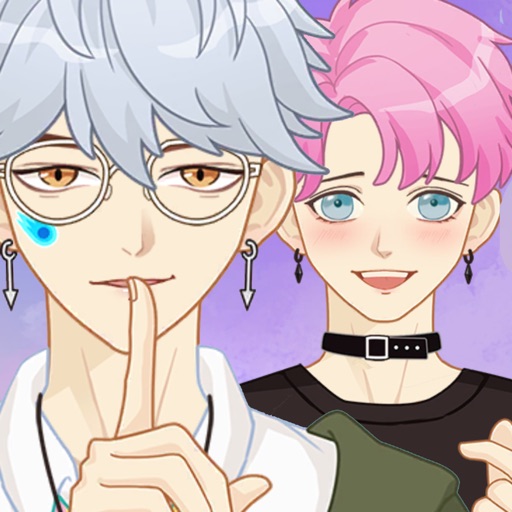
Create customizable cartoon and avatars by selecting from various eyes, haircuts, mouths, clothes, accessories, glasses, and actions. Design idol cosplay images using provided templates. Add photo frames and hundreds of stickers to artwork.
Edit photos with retro filters and . Add antique textures and color adjustments. Apply nostalgic styles for a timeless look. Save and share edited images directly.
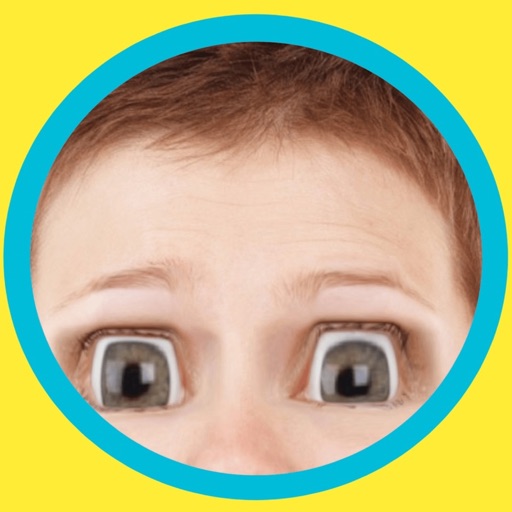
Change eye appearance in photos and videos using face detection. Apply funny eye effects like big, sleepy, or cartoon styles. Choose from makeup options including liners and shadows. Select animal or Halloween-themed eye transformations.
Create customizable anime-style avatars by mixing and matching clothing items. Add emotion bubbles to express feelings. Share avatars on social media. Use as an avatar for personal and social interactions.
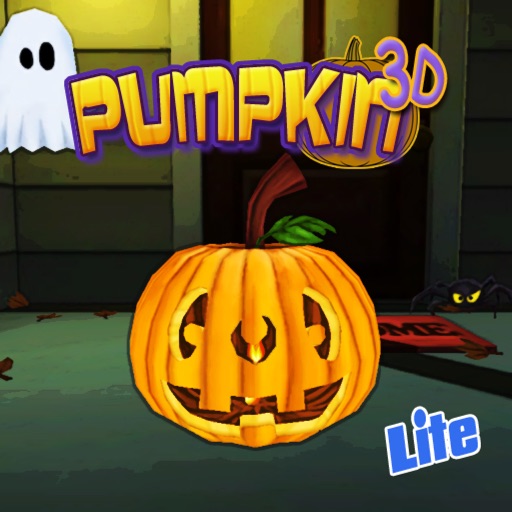
Carve pumpkins by selecting and combining eyes, mouths, noses, and lids. Add props like hats or glasses to decorate the . Capture the finished design as a photo and share it with others. Customize the scene with additional decorations.
Create Minecraft skins by selecting clothing items and customizing features like hair, face, eyes, and mouth. Add drawings for extra details. Export skins for Minecraft PE and PC.
Edit photos with eye and pupil templates. Adjust eye size and remove red eye. Experiment with contact lens effects. Automatically detect eye position. Change and fix eye lenses. Save and share edited images.
Create custom emojis by adding eyes, lips, hairstyles, hats, glasses, beards, mustaches, and props. Add text with various colors and fonts. Rotate, move, and zoom and text. Share emojis and memes directly within chats or social media.