
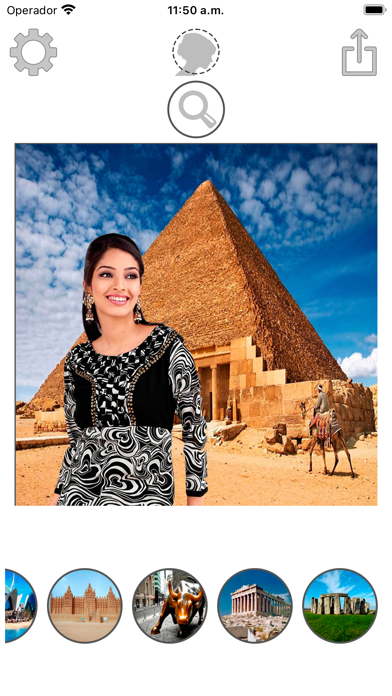
Monuments montage with photos
Crop finger tracing
Mireia Lluch Ortola
iPhone Screenshots



Description
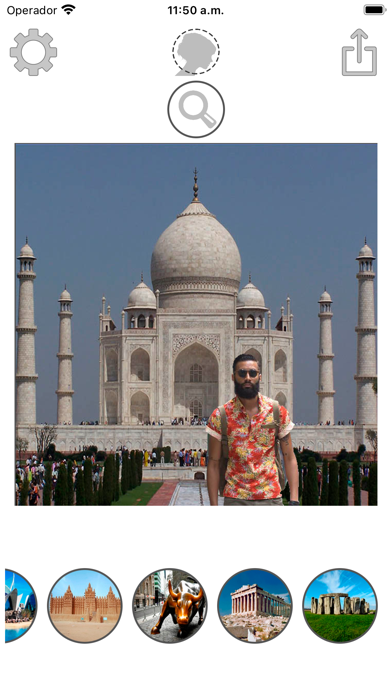
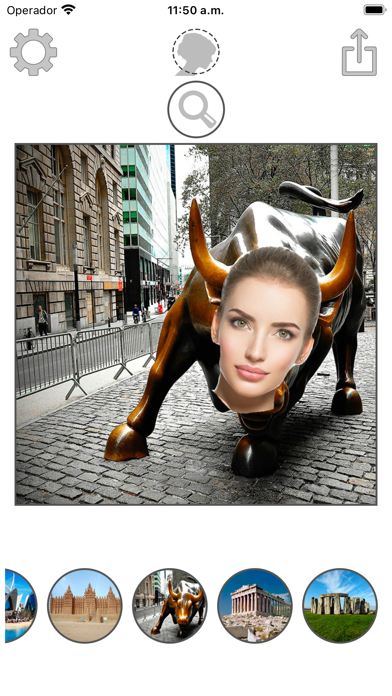
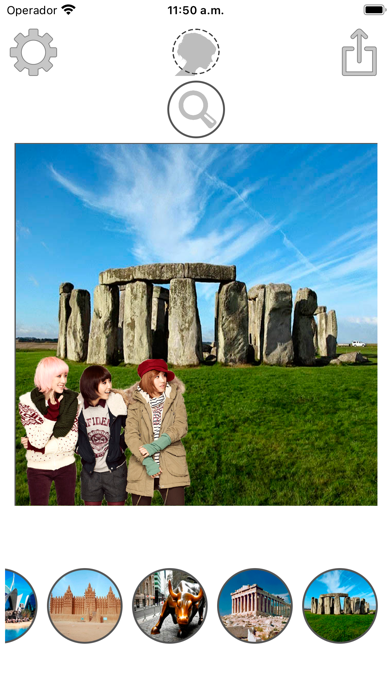
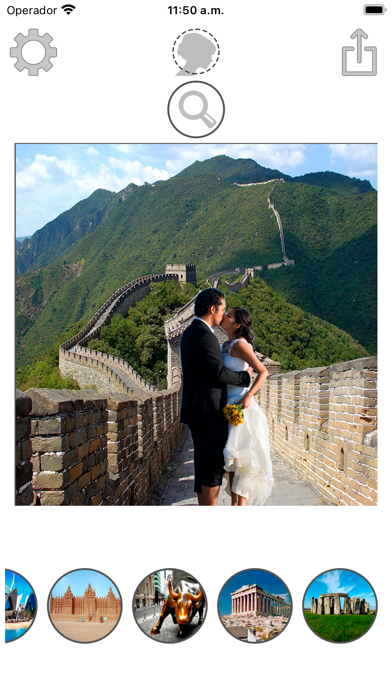
Select a monument from the collection. Crop a photo by pressing the silhouette button. Draw the desired area your finger to cut out your figure. Position yourself within the chosen image section.
This application is very simple to use.
How to use:
- Select the monument you like of which we have in the collection.
- Press the silhouette button to choose your photo you want to crop.
- Draw with your finger the part of the photo you want to cut (your figure).
- Put yourself in the part of the image that you like.
Thank you very much for downloading our application.