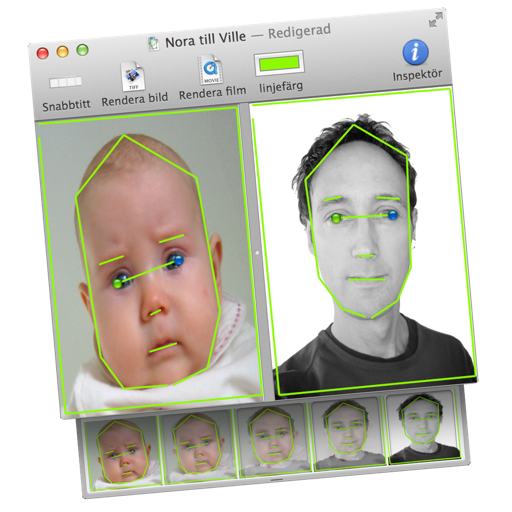
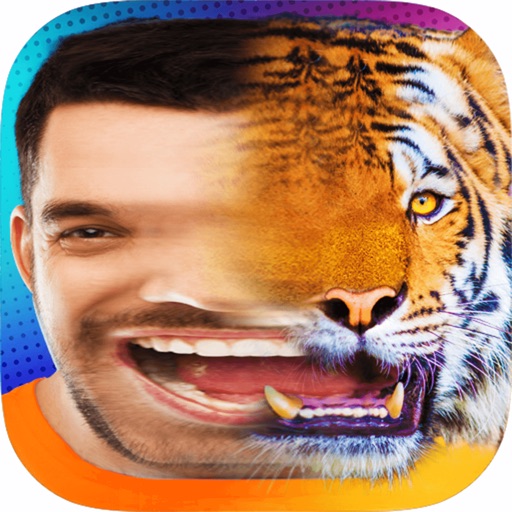
Transform images or videos by dragging two images into the document. Define similar areas with lines to create morphed transitions. Save results as still images or animated QuickTime movies.
by Martin Wennerberg★ 0.00 ratingsPhoto & VideoFreeData updated 2026-09-06
Edit photos with AI art filters and creative effects. Generate AI videos using advanced models. Animate images and apply styles. Export edited photos and videos in various formats. Share content directly from the .
Provide high-quality HD and 4K for home screens and lock screens. Features include browsing anime-themed images, downloading , and setting them as device backgrounds.
Create morphs by blending faces in steps to transition between two images. Generate GIFs and videos of the process. Share the created content directly with others.
Upload a photo and select an animation style to generate a realistic animated . Add natural facial movements like blinking, smiling, or head turns. Export and share the animated result.
Remove backgrounds from images by drawing a closed curve. Automatically erase similar color areas for transparent results. Adjust brush size for precise edits. Pan, zoom, and rotate images.
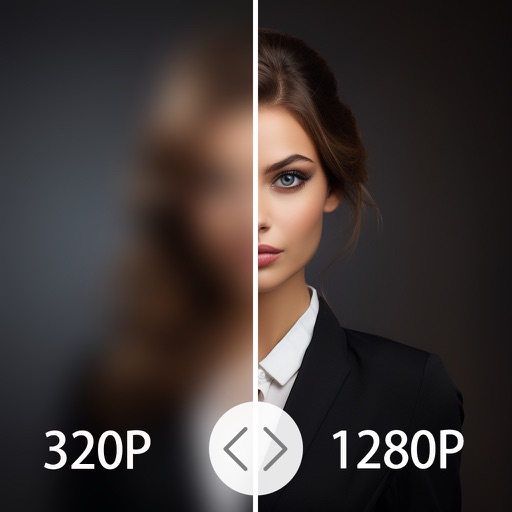
4x enhances image resolution by 200%, 400%, or 800%. It restores low-resolution faces using Face AI technology. It preserves details while enlarging images. Users can upload photos and apply restoration features.
View two different albums side by side or compare photos directly. Swipe left/right to navigate, pinch to zoom, and double-tap to enter full-screen mode. Create combined side-by-side images and access detailed EXIF data.
Remove unwanted areas from images or PDF files using precise cropping tools. Stitch multiple images or PDF pages together. Export cropped content as JPEG, PNG, or PDF to the Photo Library or other apps.
Create animated videos from photos or artwork using motion effects and transitions. Apply filters, adjust timing, and combine multiple images. Share finished animations to social media or via link.
Create photomontages by combining elements from multiple images. Select and move objects between photos. Add text and effects. Export and share final compositions.
Create intros, inserts, and film credits for videos. Use 49 customizable HD templates. Save intros to Camera Roll. Add professional-quality openings to movies. Edit and export directly from iPad or iPhone.
Upload photos or take new images to create animated videos. Select music from the 's library. Use AI to generate dancing and singing videos. Edit and share the final output.
Create animation effects by morphing between two or more photos. Transform faces of family members, friends, or celebrities. Export and share the resulting videos. Adjust timing and transitions for custom animations.
Create animation effects by morphing two or more photos. Transform faces between individuals or into celebrities. Edit and animate photos of friends, family, pets, or politicians. Export and share the final animated .
Edit photos by converting them to black and white while retaining selected details. Use multi-touch gestures to paint areas in black and white or restore original colors. Zoom in and out with two-finger pinching. Adjust and export edited images.
Edit photos by selecting from Camera Roll or taking new shots. Apply real-time effects to create prism-like glass pieces. Adjust frames, shapes, and patterns. Rotate, resize, and drag elements for custom designs. Export and share edited images.
Create AI-generated videos from text or images using Google's Veo 3 and Veo 2 models. Input text prompts to generate cinematic videos with realistic visuals, physics, and sound effects. Edit length and export in various formats.