
iPhone Screenshots



Description
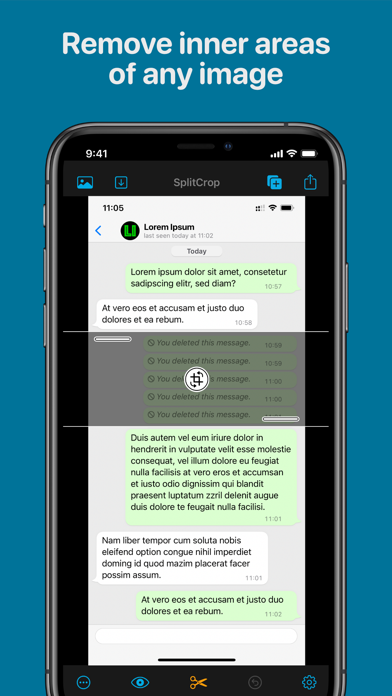
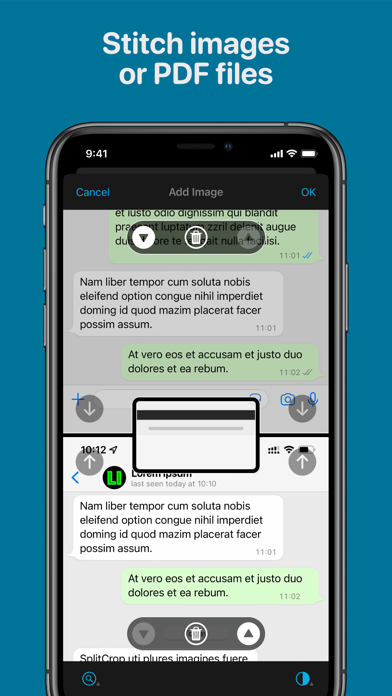
Remove unwanted areas from images or PDF files using precise cropping tools. Stitch multiple images or PDF pages together. Export cropped content as JPEG, PNG, or PDF to the Photo Library or other apps.
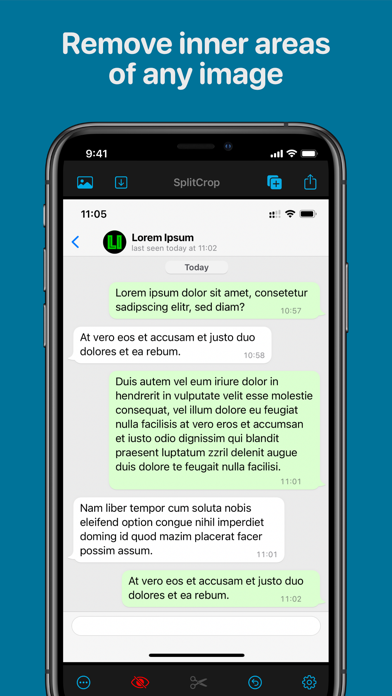
Remove inner areas of any image or PDF file.
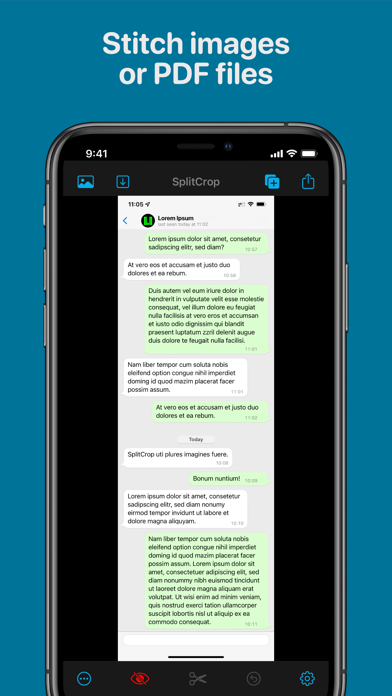
Stitch images or (pages of) PDF files.
Ideal to cut out inner parts of screenshots (e.g. chats) .
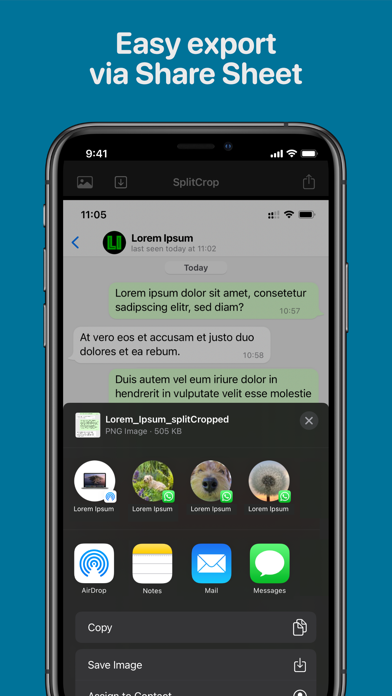
Easy export (as JPEG or PNG Image or PDF File) of cropped image to Photo Library and other Apps.
Open images or PDF files using the Photo Picker, the Document Picker (files on your device or iCloud Drive) or sharing files from other apps or the iOS Screenshot screen.
SplitCrop is the easiest and fastest way to quickly clean up and save full page Safari screenshots as image.
SplitCrop is totally free, In-App-Purchases allow you to tip the developer and have no impact on the app's functionality.