
iPhone Screenshots



Description
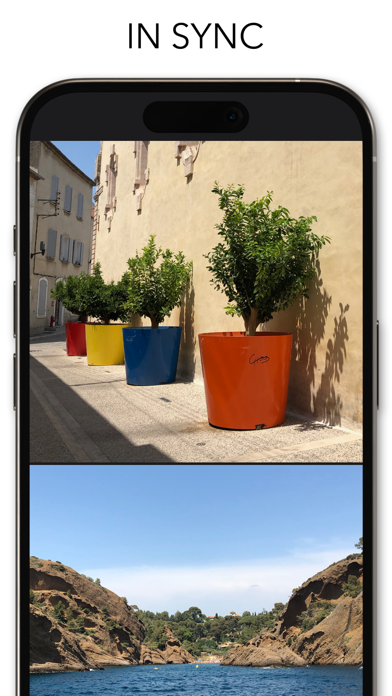
View two different albums side by side or compare photos directly. Swipe left/right to navigate, pinch to zoom, and double-tap to enter full-screen mode. Create combined side-by-side images and access detailed EXIF data.
TwinViewer is a dual-screen photo viewer application.
You can view two different albums simultaneously, compare two photos side by side, pick a better shot, or leave one and delete another.
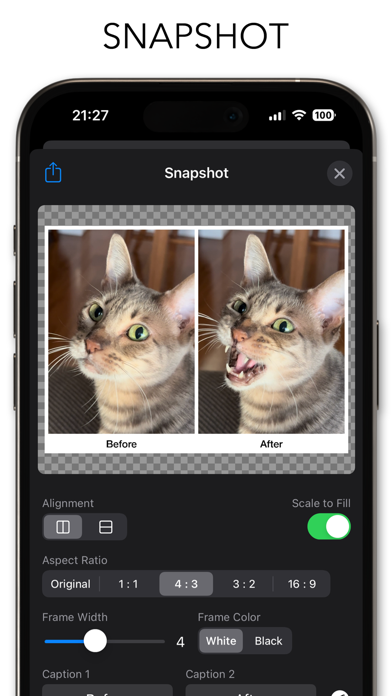
This is more than just a viewer. You can also create side-by-side combined images, get the detailed EXIF data, etc.
----- HOW TO USE -----
- Swipe left/right to browse next/previous photo.
- Pinch open/close with two fingers to zoom in/out.
- Double tap either one to display in full-screen mode.
- Sync/Async button to switch the sync mode between two viewers.
- Swap button to switch two viewers.
- Grid Lines button to show/hide grid liens.
- EXIF Data button to show/hide data such as image size or shooting date.
- Snapshot button to created and share side-by-side images.
* Please note that this application can be downloaded for free, but in-app purchase is required to use all functions.