
Color Splash
Edit photos, convert to black and white,
Pocket Pixels Inc.
iPhone Screenshots
Description
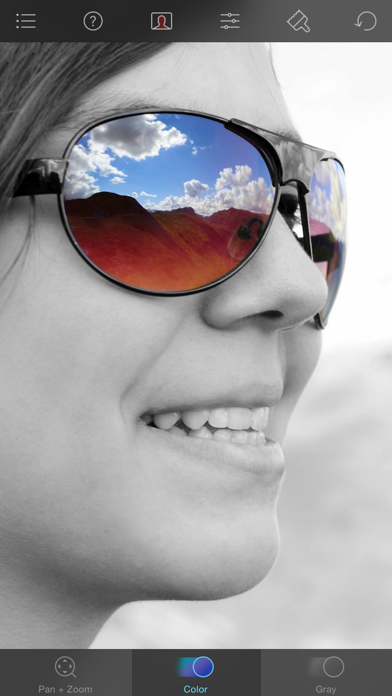
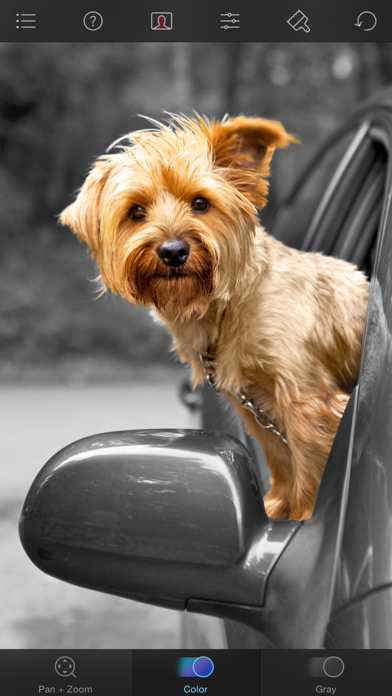
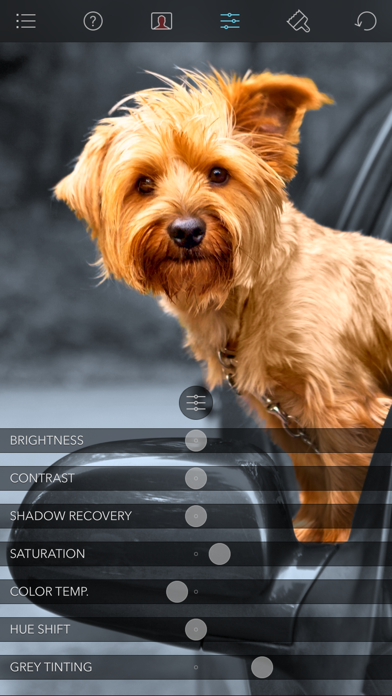
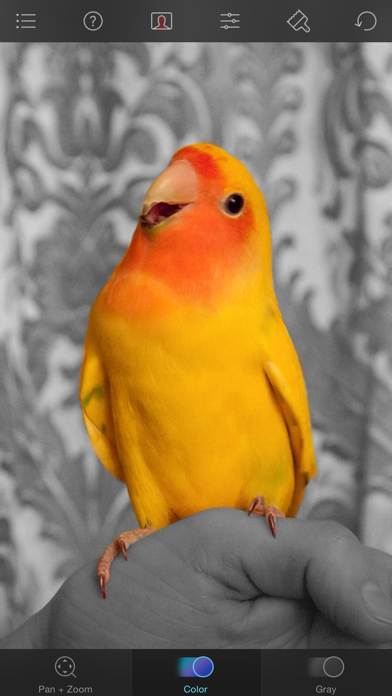
Edit photos by converting them to black and white while retaining selected details. Use multi-touch gestures to paint areas in black and white or restore original colors. Zoom in and out with two-finger pinching. Adjust and export edited images.
Color Splash lets you give photos a dramatic look by converting them to black and white, while keeping your chosen details in color. This effect draws the viewers' attention to the colored areas, creating striking images.
The intuitive and responsive multi-touch user interface makes Color Splash amazingly easy and fun to use. Use your finger as a brush to "paint" sections of your image black and white, or to bring back the original color. Zooming in and out using the two-finger pinching gesture allows you to work on details with pixel-accuracy.
Features:
- Short tutorial videos explain the use of all features and will have you editing your images in minutes.
- Choose photos to edit from your iPhone photo library or from Dropbox or Flickr.
- Save multiple sessions to resume your work later.
- Email your creations to friends, share them on Flickr or save them to your Dropbox.
- Undo any number of accidental brush strokes.
- An alternative view mode highlights the regions that will remain in color with a red tint. This makes it easier to see and adjust the boundaries between color and black & white regions.
- Choose from 4 different brushes (hard or soft edged, opaque or transparent) and adjust the brush size.
- Hide the toolbars in full screen mode.