Manage multiple with the ability to check, uncheck, and mark items as fixed for reuse. Organize tasks and track progress across different lists. Sync and access lists across devices.
by Tommy Sandbank★ 0.00 ratingsProductivity$0.99Data updated 2026-09-17
Create custom lists for trips by selecting destination, dates, and preferences. Add items to specific categories like clothing, electronics, and toiletries. Organize items into folders and set reminders for essential belongings.
Capture tasks instantly via iPhone or Alt+Space on Windows. Sync tasks across devices. Prioritize and organize tasks with simple categories. Mark tasks as complete and view progress over time. Edit task details and set reminders.
Save URLs, auto-save thumbnails, organize with colored
Manage bookmarks with folder organization and color-coded categories. Add links via share menu or manually. Rearrange items by dragging. Lock folders for security. Search by keywords. Switch launch browser. Backup and transfer data.
Centralize team tasks and communication in one place. Create and customize task templates for recurring processes. Add or remove custom fields to manage project workflows efficiently. Track task progress and collaborate in real time.
Manage schedules with shared calendars and reminders. Track upcoming events and deadlines. Set recurring tasks and receive notifications. Collaborate on to-do lists and assign responsibilities. Sync across devices and access from multiple users.
Track progress on life areas and long-term goals. Set priorities and monitor time spent on important tasks. Create to-do lists, assign due dates, and mark tasks as complete. Sync across devices and receive notifications for upcoming deadlines.
Manage daily tasks and organize schedules with customizable reminders and calendar integration. Set priorities, track progress, and sync across devices for consistent access to task lists and due dates.
Manage tasks with customizable lists and tags. Set Pomodoro timers and reminders for focused work. Track progress with habit check-ins and goal management. Prioritize tasks through the integrated "Home" list.
Create, edit, and delete tasks with simple gestures. Set reminders and recurring schedules for tasks. Mark tasks as complete and track daily progress. Organize personal and professional tasks in one place. Sync across devices for consistent access.
Plan tasks and prioritize them with custom categories. Set reminders and deadlines. Track progress with completion status. Sync across devices and view weekly summaries. Share lists with team members.
The app allows users to create lists of people or items and shuffle their order. It is useful for various scenarios such as selecting activities, meals, or names.
Track attendance with IN/OUT/BREAK logging and absence recording. Monitor project time with start/end tracking and duration calculation. Manage tasks with to-do lists and checklists. Sync with calendars for team scheduling.
Review task lists for multiple library locations and filter them as needed. Perform fulfillment activities while away from the service desk. Access pick from shelf data and manage tasks without paper lists.
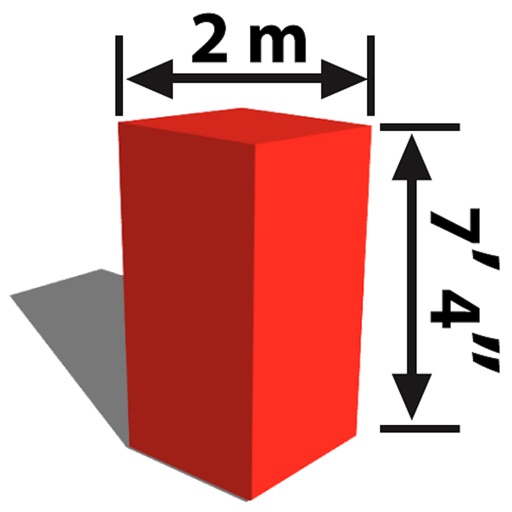
The app allows users to mark dimensions directly on photos or sketches. It helps users visualize if objects will fit in spaces, such as furniture in a room or a TV in a cabinet.
Create and manage projects with hierarchical task lists. Add subtasks, set deadlines, and track progress. Collaborate with team members by assigning tasks and setting priorities. Export data in multiple formats and sync across devices.
Record items by scanning barcodes or entering details manually. Save and organize entries. Avoid duplicates by checking existing items. Manage data and view organized lists.