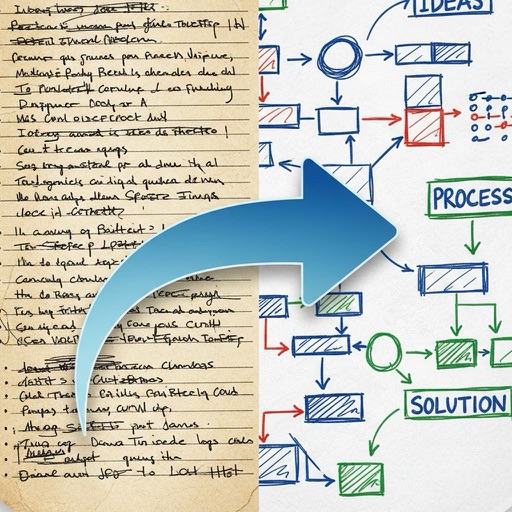
Create flowcharts, org charts, and process diagrams with drag-and-drop node addition. Use infinite canvas and 24 themes for customization. Organize nodes with containers and group them for complex layouts.
Create and manage a business plan with customizable sections including name, logo, golden circle, assumptions, and customer analysis. Track competition, milestones, and team details.
Create diagrams such as flowcharts, UML, ER diagrams, and mind maps. Use pre-designed templates and drag-and-drop elements. Customize with symbols, shapes, and colors. Export diagrams as images or print directly.
Text editing with live Markdown syntax highlighting and HTML preview. Sync across iPad, iPhone, and Mac via iCloud. Use typewriter mode for focused writing. Track word, symbol, and sentence counts. Support tags and document browsing.
Create and organize mind maps to visualize ideas and connections. Link concepts across different topics for better understanding. Sync mind maps across devices for seamless access and collaboration.
Manage HVAC installations and service tasks with step-by-step guidance. Access customer data securely. Integrate with Link Systems, Link Zoning, and Link Relay Panels. Track progress and update system configurations remotely.
Create bar and line charts with intuitive tools. Modify chart designs and adjust settings for custom visuals. Print charts directly from iPhone or iPad via in- purchase.
Create flowcharts, mind maps, and organization charts with customizable styles. Copy diagrams as images, export or print with one click. Adjust element styles and layouts for professional results.
The app offers input for arithmetic, trigonometric, and Greek characters with superscript and subscript options. It supports Air Print, PDF creation, graph generation, and drawing various mathematical symbols and shapes.
Convert audio recordings, PDFs, and YouTube videos into notes, flashcards, quizzes, and podcasts. Chat with notes to extract insights. Include tables, emojis, diagrams, and equations. Sync notes across the and website.
Create vector drawings with speed and flexibility.
The app provides an intuitive tool for creating vector graphics such as flowcharts, technical drawings, and drafts. It offers speed and flexibility with customizable tools for precise alignment and adjustable elements.
Plan daily tasks and set goals with a clean, customizable journal interface. Sync with Apple Calendar and iCloud. Use handwriting search, background removal, stickers, and instant frames for notes. Secure with Face/Touch ID.
Create maps from text, slides, or documents using AI. Convert maps into slides, audio, or video. Use built-in templates for professional designs. Share as images or PDFs. Save maps, drawings, and ideas in the cloud.
Organize and sort PDF files in a library. Edit documents by adding drawings, sketches, and shapes. Merge multiple files into one. Add signatures and save for later. Insert text with various fonts. Import and export PDFs in different formats.
Create mind maps by placing ideas anywhere on an infinite canvas. Connect notes with lines and arrows. Expand pages as needed. Organize thoughts visually without linear constraints. Share or export mind maps directly.