
Super PDF: Editor,Reader,Maker
Edit PDFs, add notes, and organize files
Gyoom LLC
iPhone Screenshots




Description
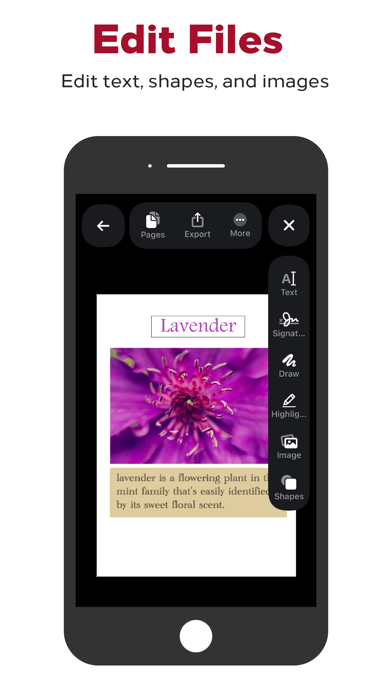
Organize and sort PDF files in a library. Edit documents by adding drawings, sketches, and shapes. Merge multiple files into one. Add signatures and save for later. Insert text with various fonts. Import and export PDFs in different formats.
A powerful free pdf editor to help speed up your productivity and manage pdf files seamlessly and effortlessly.
Application features:
- A superb pdf library to arrange and sort all your pdf files and books.
- Ability to edit pdf files and add drawings, sketches, and shapes.
- Ability to combine and merge multiple files together.
- Ability to add signatures to pdf files, and save them for future uses.
- Ability to add texts on pdf files using a variety of beautiful fonts.
- Ability to import and download custom fonts, and use them with your pdf files.
- Ability to add tags to your pdf files to speed up your reading.
- Ability to merge specific pages from one pdf file to another.
- Ability to create a pdf file from multiple photos.
- Ability to create a blank pdf file and edit it.
- Ability to create a pdf file by taking a photo using the camera.
- Ability to create a pdf file by scanning papers using the camera.
- Ability to import pdf files from URL.
Adding support for French, German, Hindi, Indonesian, Traditional Chinese, Simplified Chinese, Japanese, Korean, Portuguese, Russian, Spanish, Italian, Turkish, and Urdu languages.