
iPhone Screenshots

Description
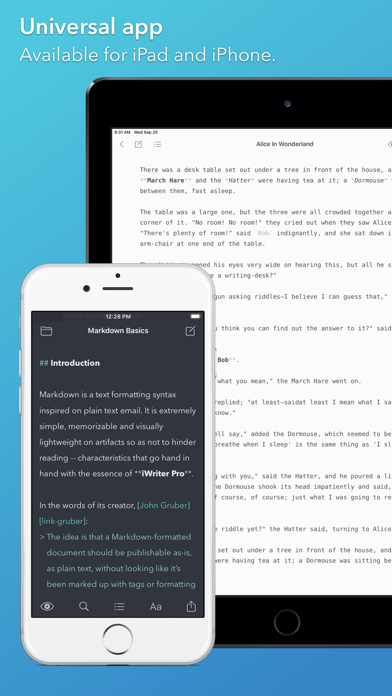
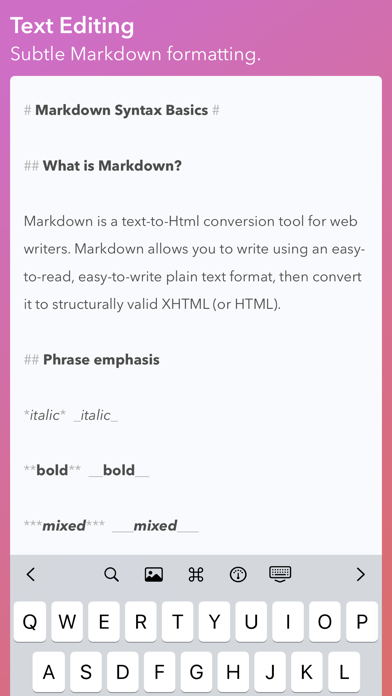
Text editing with live Markdown syntax highlighting and HTML preview. Sync across iPad, iPhone, and Mac via iCloud. Use typewriter mode for focused writing. Track word, symbol, and sentence counts. Support tags and document browsing.
# iWriter Pro is elegant and minimalist text editor with built-in Markdown support. Distraction-free and subscription-free.
## Features:
- Clean and minimal interface.
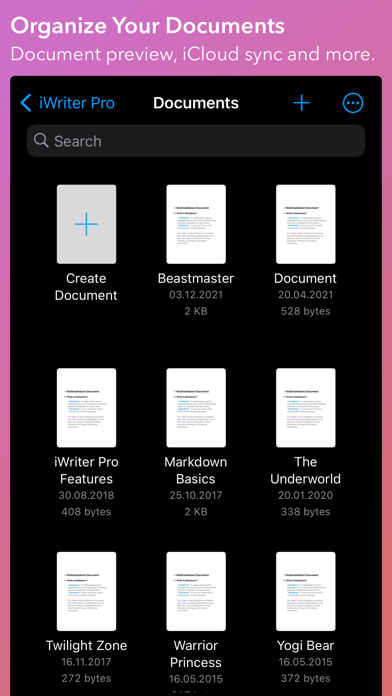
- iCloud sync across iPad, iPhone, and Mac¹ devices.
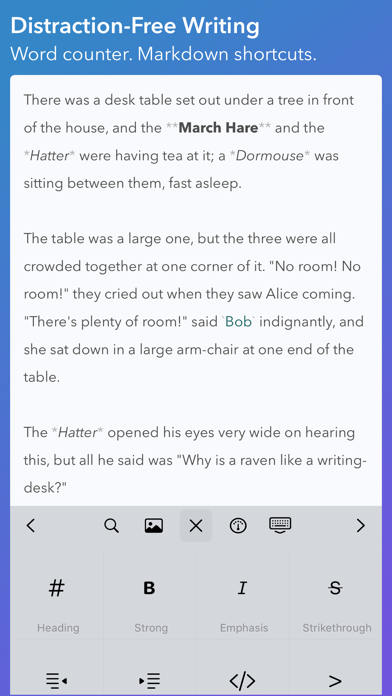
- Text editing with live Markdown syntax highlighting.
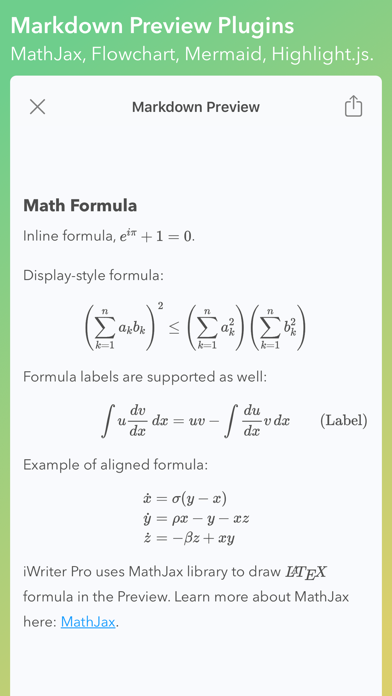
- HTML Preview for Markdown and MultiMarkdown documents.
- Typewriter mode² with focusing on line, sentence, or paragraph.
- Powerful Document Browser³ with tags support.
- Integrated counters for words, symbols, sentences, and paragraphs.
- Fast and responsive editing even for large files.
## iWriter Pro supports:
- Highlighting and rendering of LaTeX equations.
- Flowchart and Mermaid diagrams.
- Source code highlight in HTML preview.
- Exporting documents as HTML, PDF, RTF, EPUB, LaTeX, and DOCX.
- Keyboard shortcuts⁴ for text formatting and quick navigation.
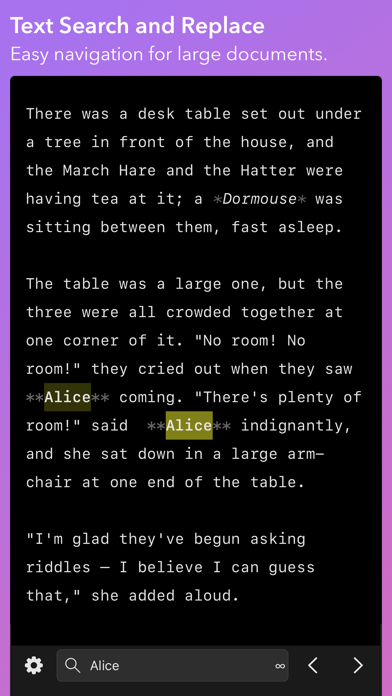
- Search and Replace in your documents.
- Light and dark layouts (auto-switching included).
- Automatic number/bullet/task list formatting.
¹ - iWriter Pro for Mac is available as a separate purchase on the Mac App Store.
² - Typewriter and Focus modes are available only on iPad.
³ - Editing files in Dropbox, Google Drive, and other 3d-party storage providers is not guaranteed.
⁴ - External keyboard is required.