
ClickCharts Diagram Flowchart
Create diagrams and flowcharts quickly
NCH Software
iPhone Screenshots

Description
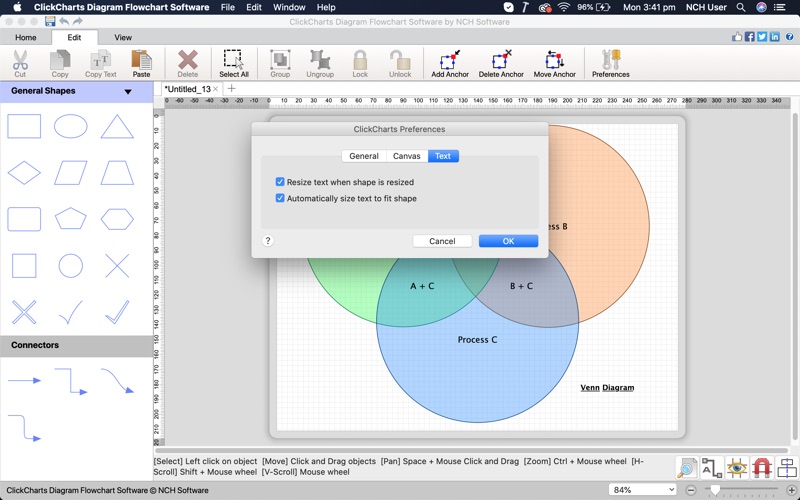
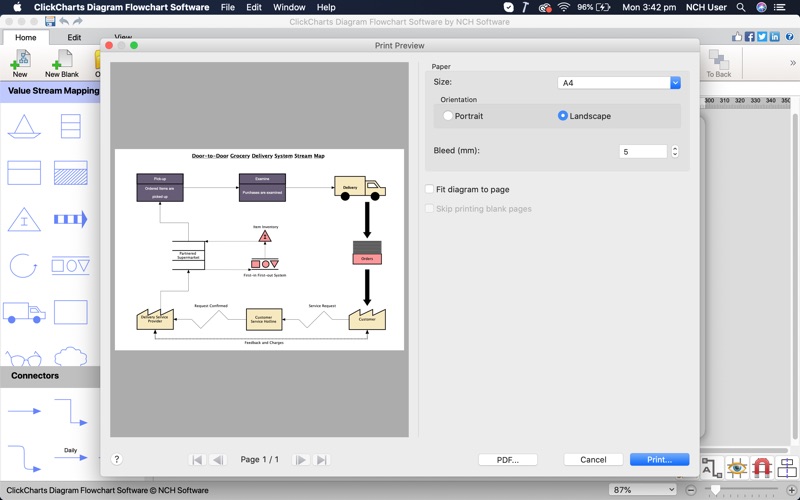
Create diagrams such as flowcharts, UML, ER diagrams, and mind maps. Use pre-designed templates and drag-and-drop elements. Customize with symbols, shapes, and colors. Export diagrams as images or print directly.
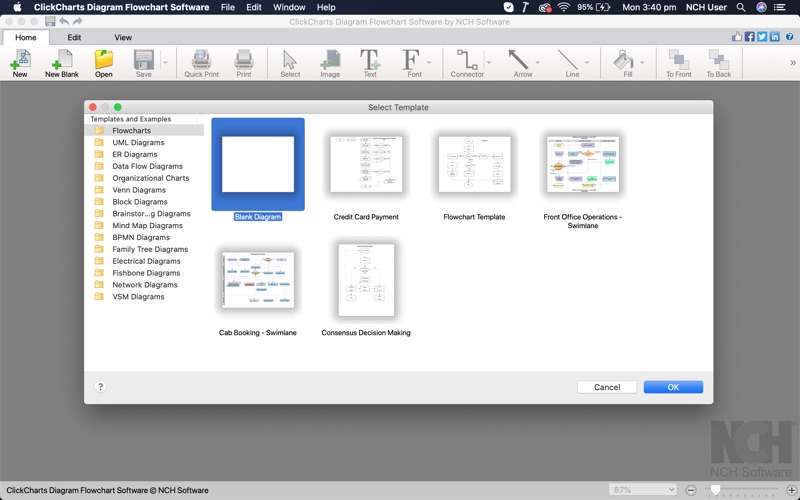
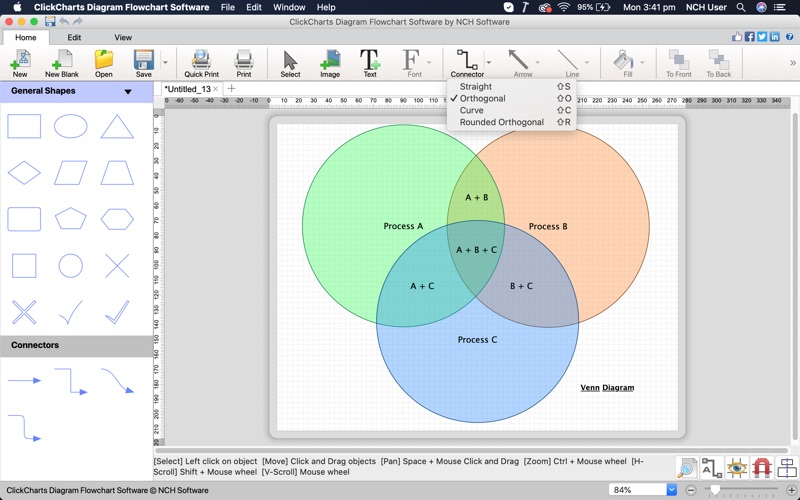
Quickly create visual representations of a process or organization by making a diagram with ClickCharts Mac OSX. The most popular chart designs can be crafted within the program, including Flowcharts, UML, ER diagrams, data flow diagrams, mind map diagrams, and more. ClickCharts makes it easy to get started with chart templates and an intuitive user interface. The program provides a variety of symbols, shapes, and colors to get the most out of your diagrams. When finished, print your diagram or save to your computer with commonly used formats like .pdf, .png, .jpg, and more.
This free app includes some trial features that are available to try for a limited time in the free version, at the end of which those trial features must be purchased in order to continue to use those features within the app.
Flowcharting Software Features:
• Create flowcharts to organize and display the steps in a process
• Print large diagrams using seamless sheet overlapping
• Create UML (Unified Modeling Language) standard modeling diagrams
• Edit multiple diagrams simultaneously
• Use templates to quickly get started
• Add images and colors to your diagrams