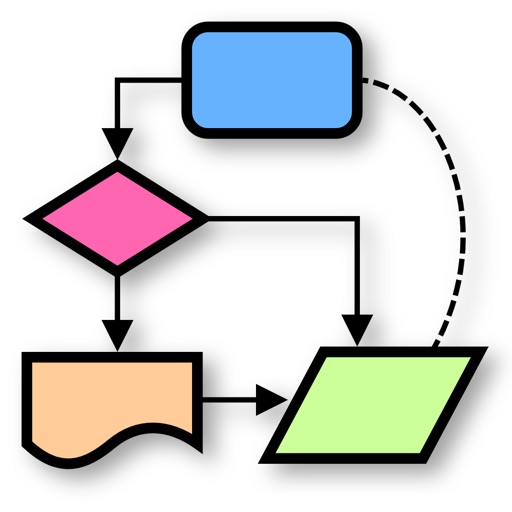
Create vector drawings with speed and flexibility.
The app provides an intuitive tool for creating vector graphics such as flowcharts, technical drawings, and drafts. It offers speed and flexibility with customizable tools for precise alignment and adjustable elements.
by Tobias Stamm★ 0.00 ratingsProductivityFreeData updated 2026-10-03
Create diagrams, technical sketches, and geometric art on digital graph paper. Draw with customizable pen colors and stroke widths. Edit objects after drawing. Use full-screen mode and hideable guides for focused design.
Create diagrams, flowcharts, and layouts with drag-and-drop elements. Add text, symbols, and shapes. Export as PDF or image files. Share directly or integrate with design tools.
Create and edit diagrams, flowcharts, and notes with integrated text and symbols. Draw directly on the screen or use keyboard input. Share drawings via copy-paste or iCloud. Sync work between iOS, iPadOS, and macOS devices.
Create and view diagrams such as venn diagrams, flowcharts, mind maps, and org charts. Collaborate in real-time, comment on diagrams, and share links. Export diagrams in multiple formats and integrate with cloud storage.
Create vector-based sketches and designs on an infinite canvas. Sketch plans, make notes, and draw storyboards. Organize ideas with mindmaps and doodles. Iterate and experiment with designs. Export and share work.
Create decisions by adding pros and cons with customizable weights. Invite participants for real-time collaboration. Use AI suggestions to strengthen arguments. View visual scoring to determine the winning option. Make informed choices together.
Use AI to brainstorm ideas, simplify complex topics, and rehearse for important moments. Share camera or screen content for real-time analysis. Generate mockups, design posters with precise text, and create diagrams using AI tools.
Create notes and documents by hand with AI-powered recognition. Draw, sketch, and annotate PDFs on an expandable canvas. Convert to text and create diagrams with intuitive gestures. Organize content with layers and embed images.
AI writing assistant Refine text by adjusting tone, structure, and clarity. Generate content for emails, reports, and social media. Collaborate on writing tasks with iterative feedback. Integrate with phone for on-the-go editing and idea generation.
Convert raster images to editable drawings with custom filters for various styles including grayscale, two-tone, Pop-Art, and polygonal shapes. Edit vectors with advanced tools, adjust colors, and save or share the results.
Create vector art using Bézier tools and Apple Pencil. Convert sketches or photos to SVG format. logos, icons, illustrations, and UI assets. Export vector files for production use. Refine curves and edit vector drawings directly.
Create vector line art with precise stroke tracking. Export as SVG for use with pen plotters. Support Apple Pencil and touch input. Preserve individual stroke paths without filling. Ideal for technical illustration and machine reproduction.
Create handwritten notes and drawings with customizable brushes and erasers. Use vector tools for precise shapes and annotations. Add text, highlights, and special line effects. Save and organize digital sketches and journal entries.