Apps Like Polka dot Art for iPhone and iPad
Create art with photo dots.
The app allows users to add multiple circles to photos. Circle size, position, and fill color with transparency can be adjusted.
Polka dot Art screenshots
Ranked alternatives
Showing 61–80 of 1,000 ranked alternatives.


The Photos Booth
Ratha Sou
Capture with fun effects and adjust settings
Capture with real-time live effects and color presets. Apply adjustable effects and enhance colors simultaneously. Use screen flash for better results in low light. Share directly from the .

Decopuchi
GATEWEB CO., LTD.
Edit photos with neon, shadow, and blur
Edit photos with neon, shadow, and synthetic effects. Adjust brightness, contrast, and color. Add text, stickers, and transparency. Apply blur, cartoon processing, and halftone patterns. Invert colors and use copy-paste tools.
Blur Shine Pro - focus effect
Alexander Dr. Rieger
Add depth of field to images.
The app adds depth of field to images, creating realistic blurs with Bokeh effects. Users can adjust blur amount, use finger painting to mask focus regions, and share creations on social media or save them.

Circle K Carwash
Circle K Stores, Inc
Order washes, track your plan, manage billing
Manage car wash subscriptions with monthly billing and no long-term contract. View wash history, track usage, and renew or cancel subscriptions. Receive notifications for upcoming payments and service reminders.
Pixel Art Effect
Danny Pajevic
Convert photos to art video
Convert photos into art with adjustable density and six design options. Choose from four styles and control edge thickness. Export the result as a video or animated GIF.

PDF Gear - PDF Editor & Reader
PDF GEAR TECH PTE. LTD.
View, edit, and sign PDFs on
View, annotate, and edit PDF documents. Sign forms and contracts. Print pages and share files. Fill out forms and review documents. No watermarks or page limits. Sync across devices.
GeometriCam - abstract geometric design in real-time
Giuseppe Capozzo
Capture art with your camera
Transforms the iPhone camera into a filter. Users can adjust shapes, colors, and patterns to create visuals. Move the device to change compositions and capture dynamic art. Share generated images directly.

Camera FrontBack
Yuliya Andrienko
Capture video from two cameras at once
Record video using front and rear cameras at the same time. View content in picture-in-picture mode. Animate scenes in real-time. Capture moving circles around the subject. Share videos directly from the .


Background Eraser - Remove BG*
SHANTANU PTE. LTD.
With AI
Backgrounds from photos using AI-powered tools. Edit photo backgrounds, replace with new ones, and generate PNG files. Save and share edited images directly.

Fix Photos & Blurry Cool Edit
Iftikher Sultan
, add frames, create stories
With filters, cropping, and adjustment tools. Apply beauty enhancements and double exposure effects. Use color splash and resize images. Access frames and story templates. Change resolution and export in multiple formats.

Blur Background
Jyoti Virani
Images and unblur them instantly
Allows users to or unblur specific areas of an image. Select photos from the gallery or capture new ones with the camera. Apply effects and save edited images to the gallery. Share blurred photos on social media platforms like Facebook and Instagram.

PDF Reader Pro - Sign,Edit PDF
PDF Technologies, Inc.
Edit, annotate, and convert PDFs
Read and annotate PDFs with highlighting, freehand drawing, and audio notes. Edit text, add signatures, and convert files to other formats. Organize documents, merge or split PDFs, and insert pages or hyperlinks.

Lumeo - Video Effects Editor
ENJOYMENT INTERNATIONAL LIMITED
Edit videos and add mosaic
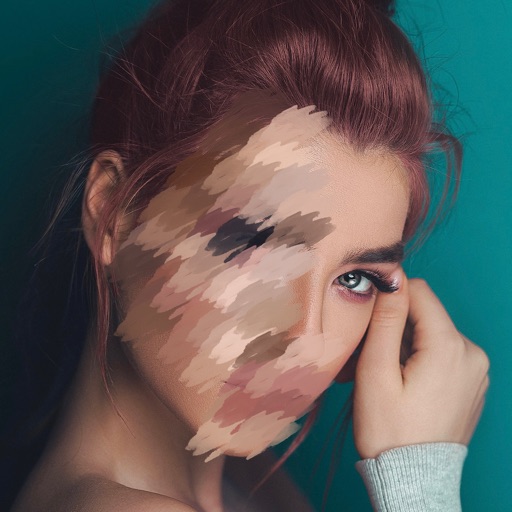
Edit videos and photos with mosaic and AI filters. Add scribble animations and customize aesthetics. Share content to TikTok, Snapchat, Instagram, and Facebook. Adjust filters and for creative storytelling.

Text on Photo
handyCloset Inc.
Add , edit shadow, and outline
Add multiple decorated texts to photos with various fonts and styles. Adjust color, size, and font name. Add outlines and shadows. Resize, rotate, and position texts freely. Save edited photos directly.
How we rank alternatives
Apps are ranked by functional similarity, category fit, rating confidence, and popularity.