Edit photos by applying local filters to specific image areas or text. Add multiple graphics and text elements with different filters. Export edited images in various formats and share directly.
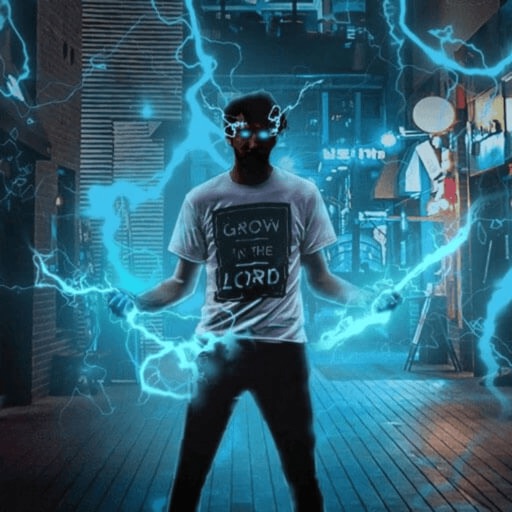
Record and edit videos with visual and templates. Add elements like dragons, magic circles, and space scenes. Include such as fire, laser, and lightning. Export and share edited videos directly.
Create poster or template collages with up to 20 photos or videos. Add text to images or videos. Edit photos with filters, cropping, and adjustments. Enhance visuals with artistic text overlays. Export collages in multiple formats.
Create and manage a business plan with customizable sections including name, logo, golden circle, assumptions, and customer analysis. Track competition, milestones, and team details.
Edit and enhance photos directly within the . Select print sizes and layouts. Place orders for prints, albums, posters, and custom products. Track order status and receive delivery updates. Share finished prints via email or social media.
Edit photos by analyzing color schemes and applying beautiful palettes. Choose from various style variations like split circles or diamond canvases. Purchase packs or upgrade to Pro for additional features. Export edited images.
Create custom wallpapers with scaling and resizing options on various backgrounds. Choose from color, gradient, pattern, bokeh, and text effects. Apply parallax effect for all iPhone and iPad devices.
The app allows users to post entire photos on Instagram without cropping. It offers a colorful background option and direct sharing to Instagram, Facebook, and X.
Edit photos using like Linear, Vignette, and Sepia. Adjust brightness, contrast, and color with tone curve tools. Apply blur, focus, and rotation. Add stickers, text, and emoticons. Crop and resize images.
Record video with and cameras simultaneously using Picture-in-Picture, split screen, or single layouts. Capture triple shots in one click. Save and share recordings.
Edit photos with crop, rotate, and filter tools. Adjust brightness, contrast, and color. Add text, stickers, and draw on images. Apply blur, focus, and special effects like magic and splash. Export and share edited photos.
Read and annotate PDFs with highlighting, freehand drawings, and audio notes. Edit text, sign documents, and convert to other formats. Organize files, merge or split documents, and insert pages or hyperlinks. Import from computer or cloud.