
iPhone Screenshots
Description
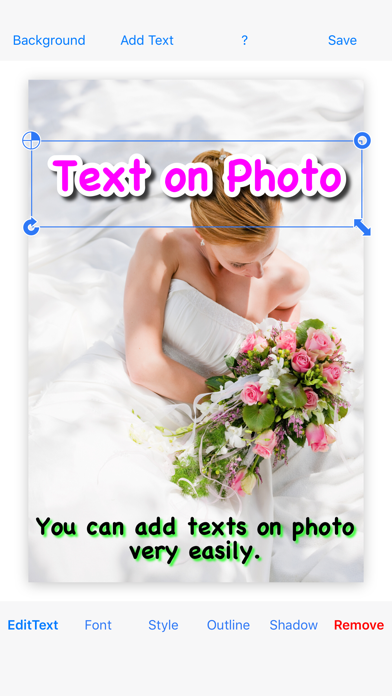
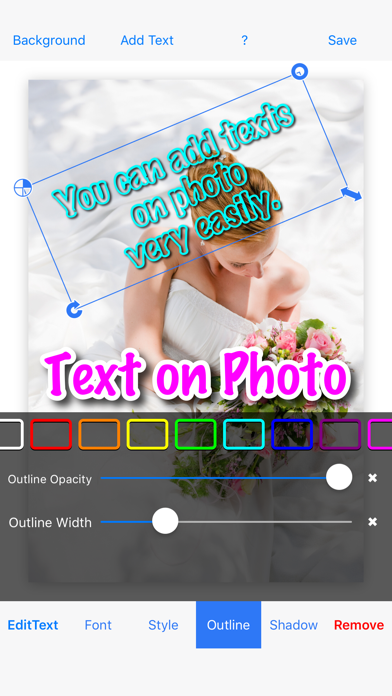
Add multiple decorated texts to photos with various fonts and styles. Adjust color, size, and font name. Add outlines and shadows. Resize, rotate, and position texts freely. Save edited photos directly.
◇ Text on Photo lets you add multiple decorated texts to your photos—quickly and easily.
◇ This is the paid, ad-free version.
◇ Features
- Many different fonts
- Add multiple texts on one photo
- Add an outline
- Edit shadow
◇ How to use
1. Tap “Background” to add a photograph
2. Tap “Add Text” to add a text
3. Edit the color/style, font size, and font name
4. Add an outline to the text
5. Resize, rotate, and move the text
(Repeat steps 2–5 as needed)
6. Tap “Save”