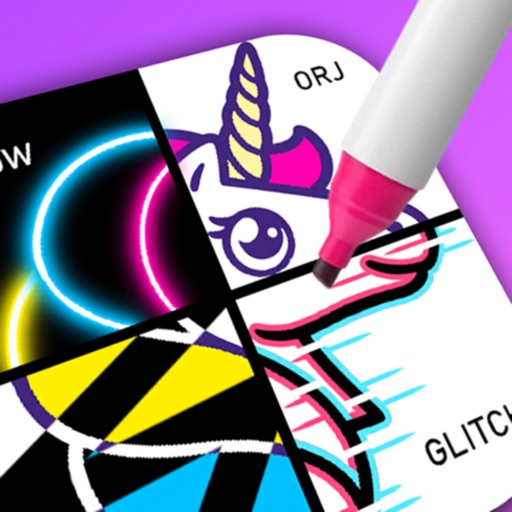
Create drawings using a variety of art and color options. Select and match colors for coloring games. Use the Draw-it feature to sketch freely. Save and share completed artwork. Adjust brush settings for detailed strokes.
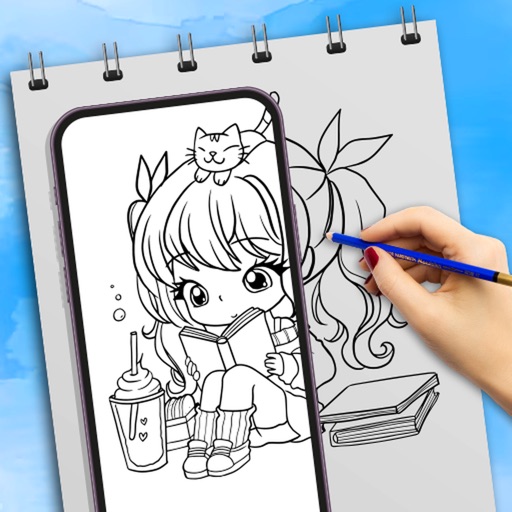
Use camera to draw and paint in augmented reality. Access tracing templates for animals, cars, nature, food, anime, and more. Adjust brush size and color. Save and share artwork directly.
Allows children to draw using color selection, shape tools, and an eraser. It plays when drawing and includes a random color option. Users can change line thickness and save drawings.
The app offers multilayer paint and image editing with tools like erasers, fill tools, and color pickers. Users can manage multiple layers, adjust alpha values, and change layer visibility and order.
The app offers drawing and image editing tools for Mac. It supports various file formats and includes features like layers, text customization, and graphic effects for design enhancement.
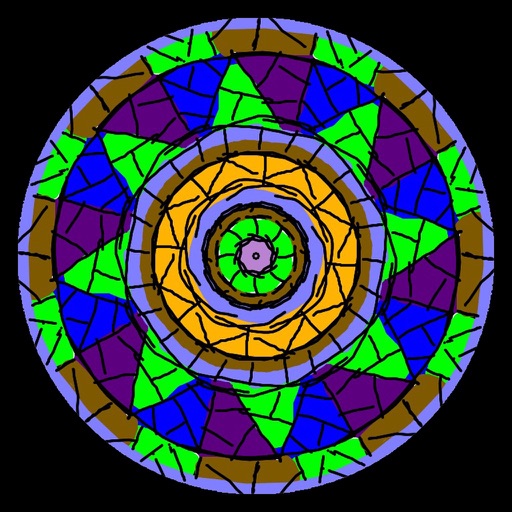
Images using a smart palette and blending mode. Choose from mandalas, florals, animals, and patterns. Create custom designs or by number. Export finished artwork to PDF. Quick access to numbers via tap and hold.
Draw and sketch with pen, eraser, or lasso tools. Adjust pen thickness and color. Change canvas background color. Zoom and pan the canvas. Save and share drawings in one step.
The app allows users to create finger paintings with adjustable opacity and brush sizes. Users can mix custom colors, utilize a palette of 10 colors, and an eraser.