Create pixel art with bucket fill, continuous drawing, selection, move, mirror, and reference tools. Choose from multiple canvas sizes. Design NFTs, pixel avatars, and fuse bead patterns. Export artwork in various formats.
The app simulates virtual oil paint and brushes for realistic drawing. It features an interactive palette for color manipulation and offers numerous free coloring books.
Color pages with tap, swipe, and brush adjustments. Choose from kawaii-style illustrations featuring bears, bunnies, flowers, and scenes. Use soft pastel color palettes for a gentle, dreamy experience.
Paint X is a digital sketchpad for drawing, coloring, and editing pictures. The app offers realistic digital brushes and over 150 built-in brushes for creative projects.
The app provides a drawing tool for the iPad that allows users to create line-based drawings. Users can save and share their creations via social media or email, and customize drawing dynamics like line width and color.
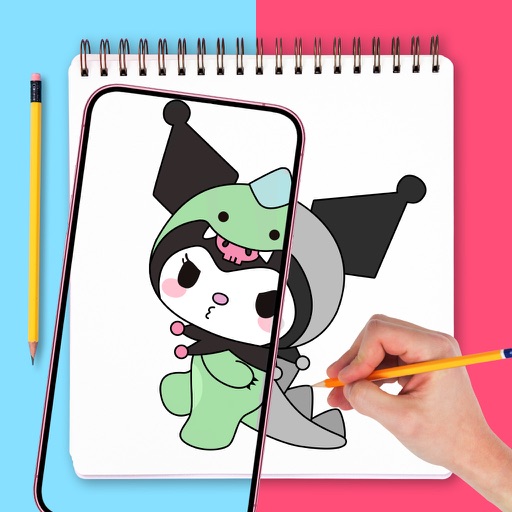
Use augmented reality to draw on any surface. Trace outlines, adjust colors, and add textures. Save and share drawings. Access tutorials for beginners. Export in various formats.
The app provides layer support, selections, and masks for photo editing. Users can export projects with layers preserved and access various tools and filters.
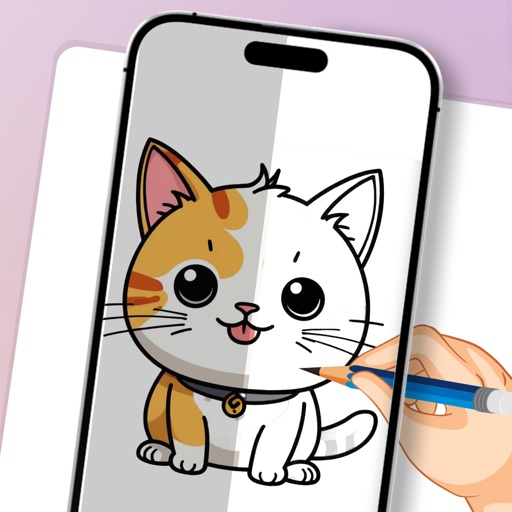
Learn to draw cartoon characters starting with simple shapes like circles and rectangles. Follow step-by-step guides to color line drawings using various brushes. Access templates for food, fairytale characters, and more.