Apps Like Drawing Different Styles DIY for iPhone and iPad
Draw, color, and create masterpieces
Create drawings using a variety of art and color options. Select and match colors for coloring games. Use the Draw-it feature to sketch freely. Save and share completed artwork. Adjust brush settings for detailed strokes.
by huseyin darcanli★ 1.45 ratingsGamesFreeData updated 2026-09-06
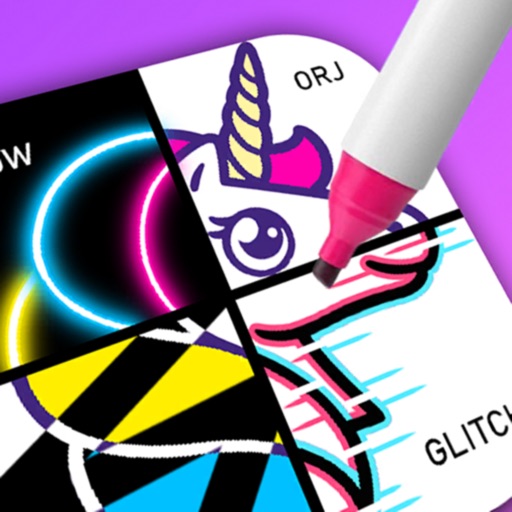
Create drawings by combining different art styles. Divide images into sections and apply unique styles to each part. Mix and match colors and patterns to design custom artwork. Save and share completed creations.
Solve puzzles by assembling pieces into a drawing. Watch the painting animate as it completes. Choose from themed puzzles with detailed artwork. Customize colors and brush styles. Save progress and revisit puzzles later.
Coloring pages allow toddlers to draw and color in various themes. Pages include animals, dinosaurs, dolls, and more. Features include hand-eye coordination exercises, color recognition activities, and creative tools.
Customize cases with painting and acrylic art tools. Choose colors and patterns to design unique cases. View designs in 3D and share creations with others.
Games allow users to select color by number puzzles and images by tapping colors. Features include on pages, recoloring existing artwork, and saving progress. Users can access pixel art books and sketch freely without internet connection.
Allow users to fill in pictures with various colors. Drawing let users create their own artwork. A scribble pad provides a space for freehand drawing. Sticker lets users add stickers to images.
By number images allow users to select and fill in numbered sections with colors. Import personal images to create custom puzzles. Share completed artwork with a community. Track progress and view completed artworks.
Create artwork using vibrant neon colors and glowing brushes. Draw on a large canvas with sketch tools. Adjust effects and export designs in various formats.
Color : Painting Book lets users select and color pre-designed characters. Features include drawing tools, color palettes, and saving artwork. Users can share completed drawings and access challenges to improve artistic skills.
Create and customize drawings using a variety of colors and brushes. Access categorized pages with detailed patterns. Save and share completed artwork. Adjust brush size and opacity for precise .
Create custom black-and-white line drawings using AI prompts. Draw freely with customizable tools. Access a global community for sharing and feedback. Save and export artwork in various formats.
Children can color and draw with themed pages to develop fine motor skills. The includes drawing lessons, interactive characters, and sound effects. Users can switch between themed packs and save progress.
Can color and draw on various images. Choose from multiple templates and customize with colors. Save creations and share them with others. Learn basic art techniques through interactive activities.
A game allows offline art creation without ads. Users can color and draw princesses, unicorns, and animals. Features include animated elements that react to color, confetti effects, and a sketchbook interface for creative sessions.
Create patterns by strokes. Choose from eight modes and over 10 brushes. Select from endless colors. Save and share artwork. Adjust settings for brush size and speed.
Learn to draw anime characters with structured lessons covering basic poses and chibis. Access coloring pages for stress relief. Use realistic brushes to enhance techniques. Track progress and practice different art styles.
Color images with 2D drawings and various tools including a bucket for filling areas. Explore daily updated collections of images. Share completed drawings via social media or email.
Create art with . Choose from nature scenes, portraits, animals, and mandalas. Customize colors, add textures, and save or share drawings. Import images for custom pages. Use layers and brushes for detailed illustrations.