Crop images into various shapes using over 70 masking tools. Adjust background colors. Export directly to Instagram or other apps. Share edited photos across supported platforms.
by Yusuke Horie★ 4.8157 ratingsPhoto & VideoFreeData updated 2026-09-08
Create videos from photos in the camera roll. Adjust video canvas size for square or vertical formats. Change playback speed for effects. Apply transitions between clips. Export and share the final video.
Edit photos and videos with AI-generated anime styles, including facial enhancements and background effects. Apply filters, adjust colors, and add animated elements. Export edited content in various formats and share directly.
Edit photos with gold and apply filters for enhanced visuals. Add text and stickers to images. Create montages and share edited photos directly. Adjust brightness and contrast for better clarity. Export images in various formats.
Automatically detects and hides private text in images. Users can edit photos to remove sensitive information like phone numbers and addresses. Adjust redaction areas and export edited images for sharing.
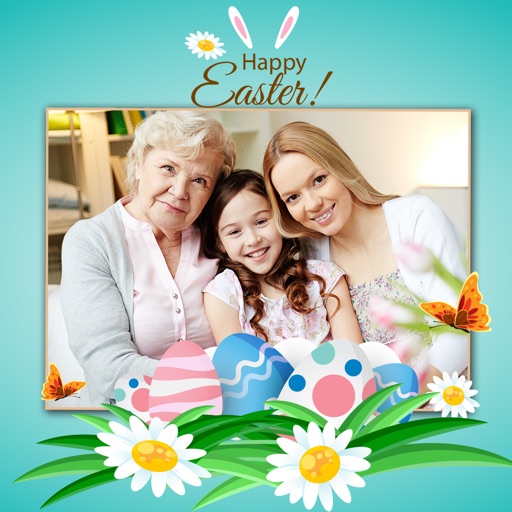
Apply -themed to images from the gallery or camera. Adjust frame size and position by rotating, scaling, zooming, or dragging. Choose from fifteen in various shapes and colors. Save edited photos to the device.
Take photos or choose existing images. Adjust and crop the photo. Add holiday-themed objects like hats, trees, and glasses. Apply Christmas-themed effects and frames. Share the edited photo on Facebook, Twitter, or via email.
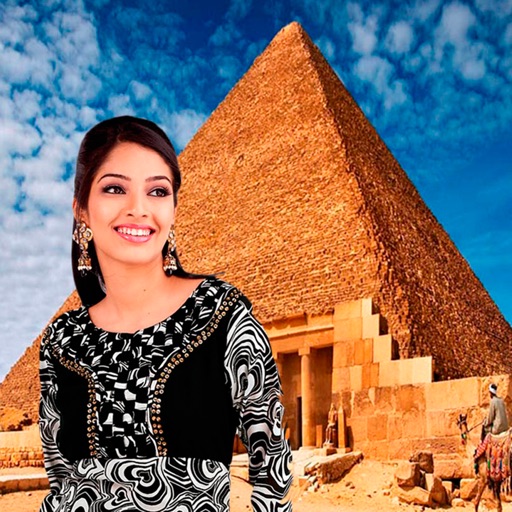
Select a monument from the collection. Crop a photo by pressing the silhouette button. Draw the desired area your finger to cut out your figure. Position yourself within the chosen image section.
Create flyers, posters, logos, and social media graphics with customizable fonts, filters, shapes, and artwork. Add text, adjust colors, and export designs for print or online use.
Edit photos using instant beautiful templates and picture . Add quick text to stylize images. Choose from over 200 templates for various occasions. Export edited images for Instagram.
Edit photos with frames, stickers, and creative collages. Apply effects like glass, hand, and board. Adjust brightness, contrast, and saturation. Share edited photos directly.
Create animations using AI-powered tools. Import images or videos to . Adjust timing, add effects, and export in various formats. Share directly to social media platforms.
Edit videos with precision tools to trim, split, and merge clips frame-by-frame. Resize and crop videos, including maintaining original proportions. Enhance photos and design collages within the same .
Create digital collages using images from your photo library. Crop and remove solid backgrounds from photos. Rotate, resize, and reposition images. Adjust background size and tint. Experiment with creative arrangements for digital art.
Remove backgrounds or objects using AI by adding a and tapping "remove." Adjust the new background to a custom color, white, another image, a gradient, or a preset. Add text, shapes, and photos to the edited image.