
QuickMo Slideshow Story Editor
Create slideshows from photos
Cardinal Blue Software, Inc
iPhone Screenshots


Description
Create videos from photos in the camera roll. Adjust video canvas size for square or vertical formats. Change playback speed for effects. Apply transitions between clips. Export and share the final video.
Share more with creative slideshows! QuickMo makes it easy to pull everything together in an unexpected way. Create a slideshow video with multiple photos from your camera roll in seconds.
Key Features
・Easy Start: Make a video from photos quickly by simply selecting from your camera roll.
・Crop Tool: Adjust the video canvas size to make it look perfect as a square post or a vertical story.
・Speed Adjuster: Change the playback speed to create fun effects.
・Transitions: Apply transitions to add some final polish to a slideshow.
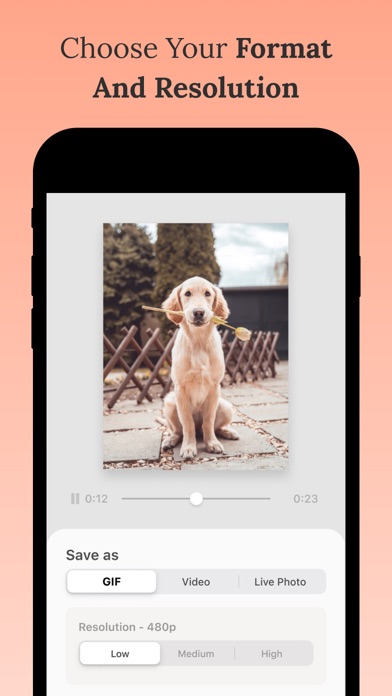
・Export Control: Choose your export format (Video/GIF/Live Photo) and resolution.
Our Favorite Ways to Use QuickMo
・Summarize all the best moments from a trip in a slideshow that is concise and easy to share everywhere.
・Grab all of your candid photos from a party and combine them in a video instead of having to pick just one.
・Try making a stop motion video message for a memorable birthday post to a friend!