
Fake Transparent
Create collages with photos and backgrounds
Thomas Lojko
iPhone Screenshots

Description
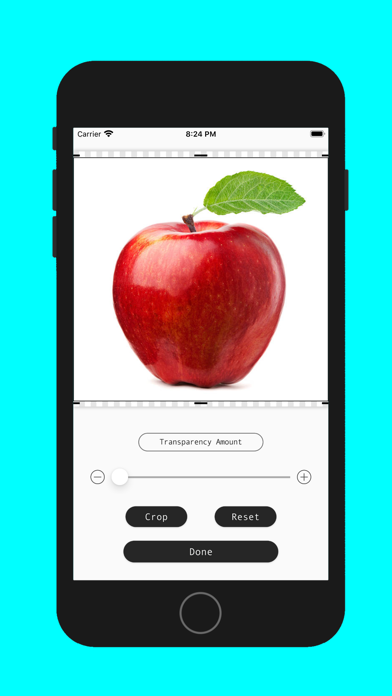
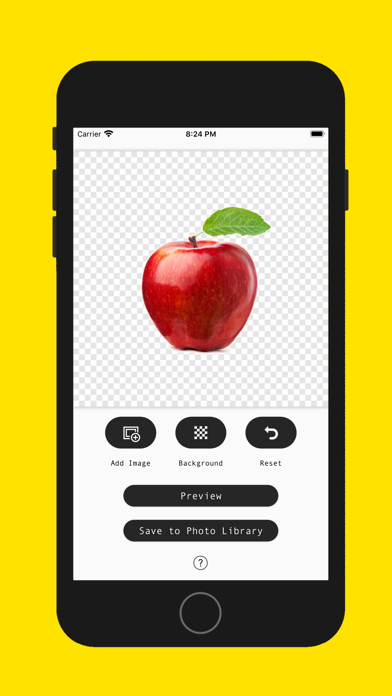
Create digital collages using images from your photo library. Crop and remove solid backgrounds from photos. Rotate, resize, and reposition images. Adjust background size and tint. Experiment with creative arrangements for digital art.
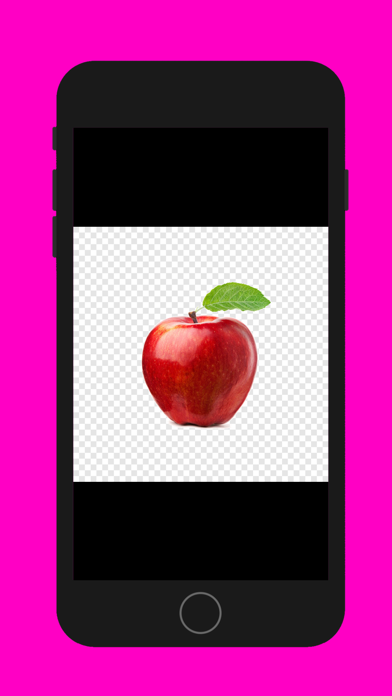
Create digital collage art on a pseudo transparent background.
▶ Use images from your photo library to create collage art.
▶ Crop images and remove solid background colors from photos to use in your collages.
▶ Rotate, resize and reposition images onto your collage.
▶ Adjust the size and tint of the background.
▶ Experiment and use your creativity to create amazing digital art.
▶ Works best when your main subject is isolated within a solid background color.
Enjoy using Fake Transparent!
◆ Customer Support
You can reach us at [email protected] and we will do our best to solve all of your problems and questions related to the app.
We would love to hear from you! Please let us know if you have any suggestions or questions by sending them to: [email protected]