
Pause - Video editor & Camera
Metromedya Digital Ad Agency
Record , , resume, edit
Record with and resume functionality. Edit recordings to combine paused segments into one . Save edited videos to roll and share on social media accounts.

Create kaleidoscope patterns with swipe
Create kaleidoscope patterns by swiping fingers across the screen. Adjust the number of lines and line color. Use multi-touch for advanced control. Save generated artwork to the device's Camera Roll.
Showing 461–480 of 1,000 ranked alternatives.
Metromedya Digital Ad Agency
Record , , resume, edit
Record with and resume functionality. Edit recordings to combine paused segments into one . Save edited videos to roll and share on social media accounts.

Bhupesh Singh
Draw mandalas with customization and symmetry
Create intricate drawings with customizable symmetry, background color, and brush settings. Apply shadows and use predefined patterns or images for inspiration. Export and share finished designs.

Kari Lekebusch
Create beats with finger-painting style
Create beats by drawing with fingers on the screen. Use multiple fingers to layer sounds. Adjust tempo and rhythm. Export tracks in audio format. Share creations directly.

Gianluca Natalini
Draw with fingers on a board.
The app offers a multi-touch drawing experience with adjustable color, transparency, and brush size. It allows users to zoom, pan, and save drawings, with an undo function available across sessions.

Douglas Applewhite
Create dazzling light patterns in real time
Create and animate patterns using up to 20,000 particles of light. Manipulate particles with fingers to paint or shape designs in real time. Adjust colors, sizes, and motion effects. Save and share created patterns.

Miror MB
Delete unfavourited media quickly
Deletes unfavourited and videos based on time range selection. Displays all unfavourited media for review. Tap to confirm deletion. Removes clutter from camera roll without swiping or second-guessing.
Samuel Ippisch
Turn photos into art
Transform photos into -style artwork using AI. Select an image from the camera roll. Apply filters via AI processing. Save the result and share it directly.

Peep Software LLC
Color with fingers and save creations
Allows users to color pages with finger or stylus. Includes a variety of books and templates. Features a drawing mode for creating custom artwork. Lets users save and share their creations. Offers a gallery to view and manage completed drawings.

Bhuvan Gupta
Edit photos with light effects
Edit photos with light filters, including circle, frame, star, heart, glasses, and lines. Add text with customizable vector graphics. Apply coloring and create templates for creative artwork. Export edited images directly.


Snoopy Enterprises
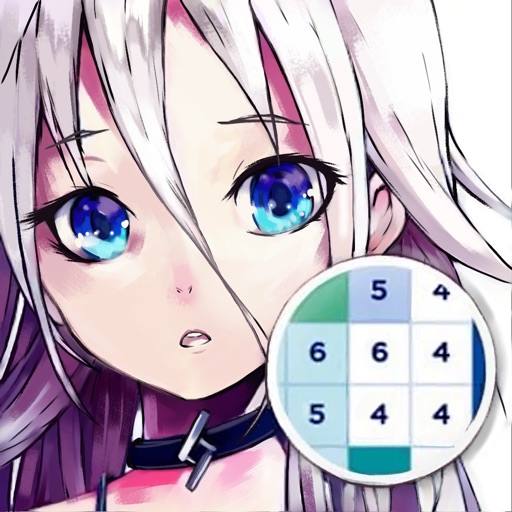
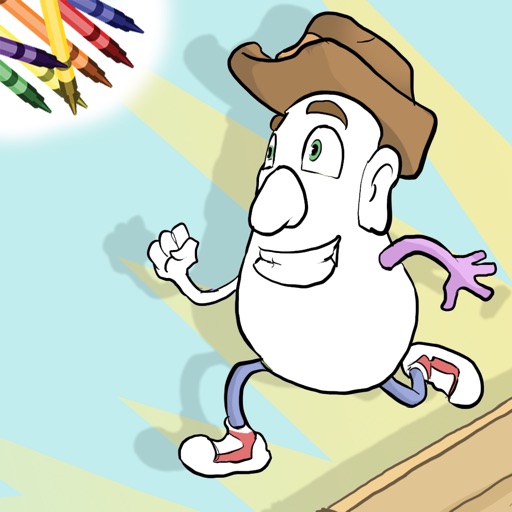
Create and color custom monster pages.
The app allows users to create custom coloring pages by selecting characters and adding various features and stickers. Users can then color their creations using a wide selection of colors and tools, with options to save and share their artwork.

Devkrushna Infotech Private Limited
Edit photos with splash effect
Edit photos with splash effects, convert images to black and white, or apply custom colors. Add filters, zoom in on photos, and use a brush tool. Export and share edited images directly.
SolverLabs LLC
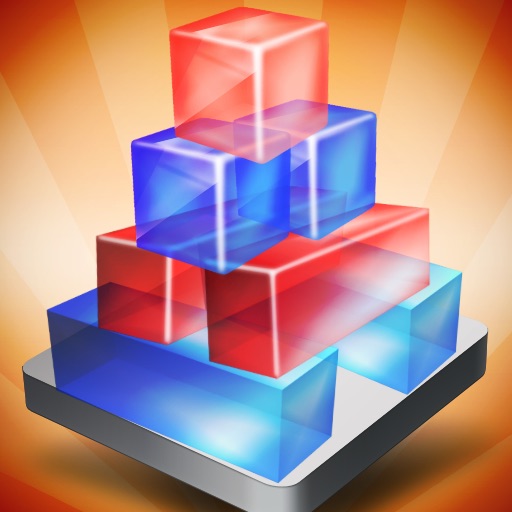
Break blocks, build towers, solve puzzles
Play a 3D physics-based Jenga-style puzzle game. Remove blocks to break blue ones and save red ones. Towers consist of varying size, shape, and color blocks. Use gravity and collision physics to solve each level.

PhotoFast Co. Ltd
Connect devices and transfer files
Transfer files between devices and iOS. Backup contacts, camera roll, calendar, and social media data. Sync photos and documents across platforms. Manage files with drag-and-drop interface.
Peep Software LLC
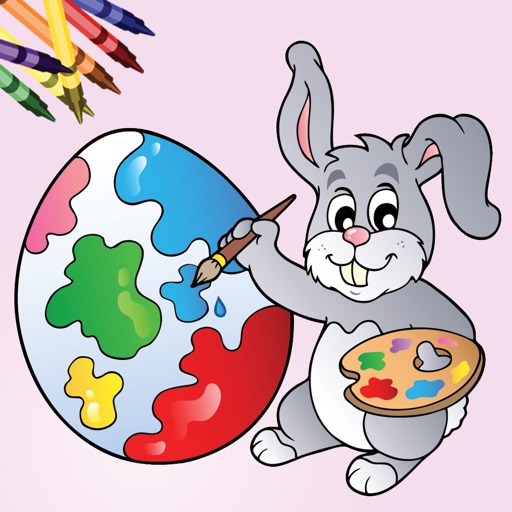
Coloring book for kids and adults.
The app offers family-friendly coloring scenes and characters with Retina Display graphics. Users can color ready-made drawings or use photos from their device, with features like color-in-the-lines and a paint bucket tool.
Apps are ranked by functional similarity, category fit, rating confidence, and popularity.