Mandala Maker 360 Pro
Draw mandalas with customization and symmetry
Bhupesh Singh
iPhone Screenshots


Description
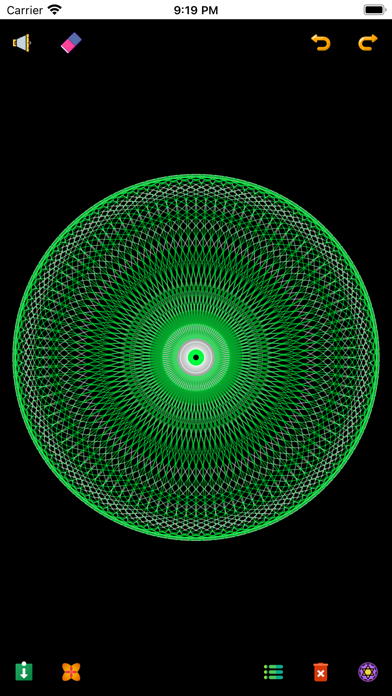
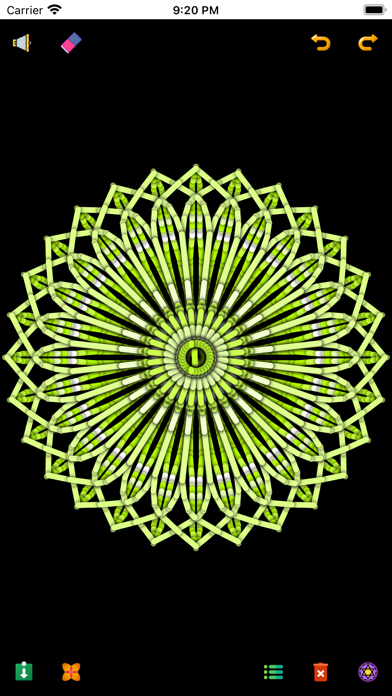
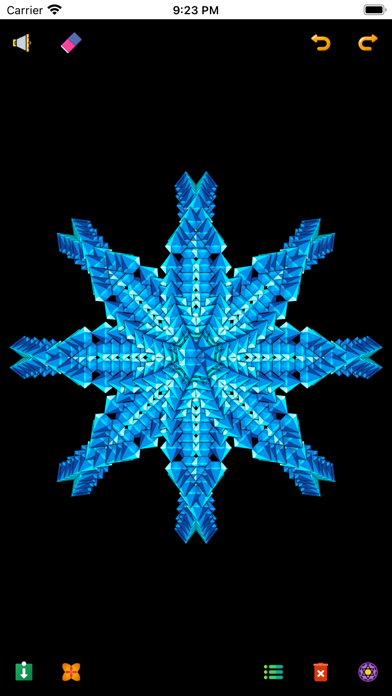
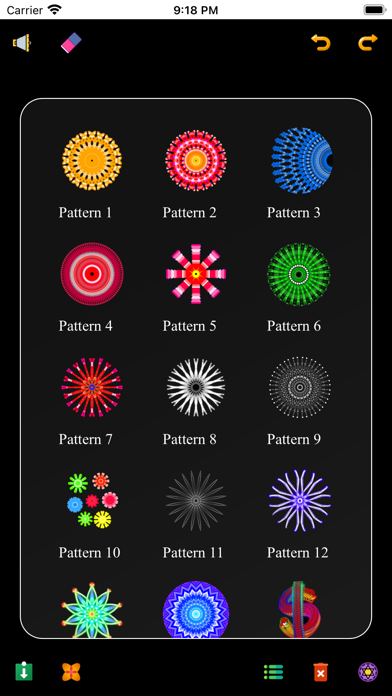
Create intricate drawings with customizable symmetry, background color, and brush settings. Apply shadows and use predefined patterns or images for inspiration. Export and share finished designs.
◉ Note: This pro version is ad-free and all the features are unlocked with additional added mandala options and higher performance.
• Make beautiful and intricate mandala drawings with a few easy steps.
• It has a lot of customization options, where you can change the canvas symmetry, background color, brush settings, apply shadows, and much more.
• You can also use images to draw a mandala and there are more than 50+ images to draw with.
• It even has some predefined patterns which you can use to draw.
#--- Features ----#
◉ Canvas Customization
- you can change the background color
- can change the canvas center
- apply center at the touch
- canvas mirroring
◉ Brush Customization
- multiple brushes styles
- different color types
- random color selection
- change brush sizes and type
◉ Image Customization
- 50+ images to draw with
- change image size and dimensions
◉ Shadow Properties
- apply random shadow
- select different shadow sizes and color
◉ Patterns
- select from predefined patterns
- multiple patterns to draw with
#---- Credits ----#
Music by Aakash Gandhi: https://www.youtube.com/@88keystoeuphoria
App Icon from qawi_arts: https://bit.ly/3nZCsfC
Icons from: https://icons8.com/
Icons from: https://www.flaticon.com/
• Terms of Use (EULA) : https://www.apple.com/legal/internet-services/itunes/dev/stdeula/