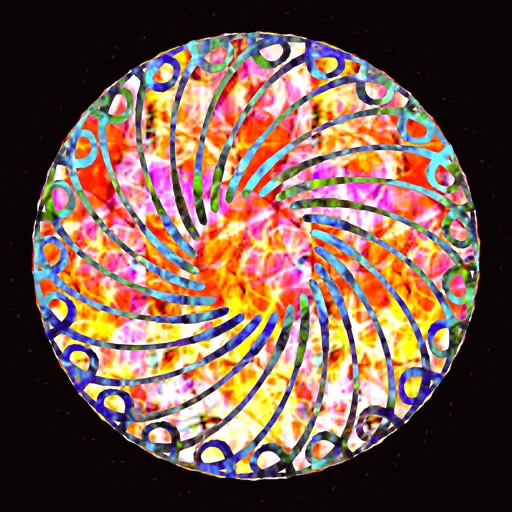
Create kaleidoscope patterns by swiping fingers across the screen. Adjust the number of lines and line color. Use multi-touch for advanced control. Save generated artwork to the device's Camera Roll.
by Aaron Neugebauer★ 4.58 ratingsEntertainmentFreeData updated 2026-09-08
Edit photos by selecting specific objects or colors to emphasize, converting the rest to black and white. Adjust and save the edited image. Take photos with the camera or open existing files.
The app provides a drawing tool for the iPad that allows users to create line-based drawings. Users can save and share their creations via social media or email, and customize drawing dynamics like line width and color.
The app offers over 200 free effects, including Hall of Mirrors, psychedelic colors, and kaleidoscope views. Users can apply these effects to photos and share them via social media.
Explore and interact with 3D shapes on a screen. Choose from various 3D shapes and create unlimited combinations. Add or remove shapes with a single tap. Rotate, zoom, and swipe to navigate 3D models.
Create art by blank pages or using provided templates. Choose from hundreds of pages in different styles. Access high-definition images and textured materials. Save and share completed artwork.
Decorate photos HD quality . Select images from gallery or camera. Apply preferred and save or share via social media. Set as wallpaper. Save to SD card. Rotate and zoom images touch gestures. Edit photos before applying .
Explore a series of interactive scenes inspired by Monet's artwork. Navigate through gardens, ponds, and rooms to collect color fragments. Complete paintings of water lilies by arranging colors.
Draw and color characters directly on the screen or with a pencil on paper. Access a public gallery to share art. Follow step-by-step drawing guides. Color pages with solid or gradient colors. Color pixel art by numbers.
Note-taking allows users to write notes with handwriting or keyboard input. Customize pen color and size. Undo mistakes with a single tap. Count characters in notes. Edit, add, or delete memos as needed.
Create 3D art using step-by-step tutorials. Access a large collection of drawings and techniques. Learn without prior skills through self-guided lessons. Practice drawing various styles. Export and share finished artwork.
Manage rolls for Wars games with custom preset configurations. Select and roll for supported games including Armada, Imperial Assault, and Legion. Create and save custom sets for quick access during gameplay.
The app allows users to create collages using public domain images from LACMA's collection and the "In Wonderland" exhibition. Users can also incorporate photographs from their device's camera and camera roll into their creations.
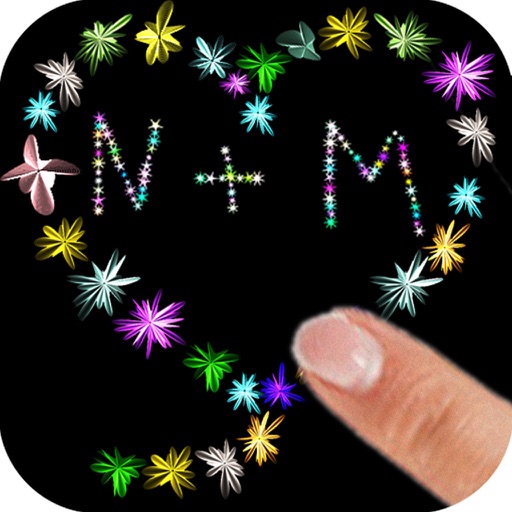
The app allows users to paint with their fingers, choosing colors and sizes to create art. Users can draw shapes and names with random flower colors, then save the drawing to their photo gallery.
Create 3D drawings using finger gestures without glasses. Design custom 3D brushes. Choose from 8 background patterns or generate them from photos. Adjust brush settings based on pressure for 3D Touch devices.
Record with and resume functionality. Edit recordings to combine paused segments into one . Save edited videos to roll and share on social media accounts.