
iPhone Screenshots
Description
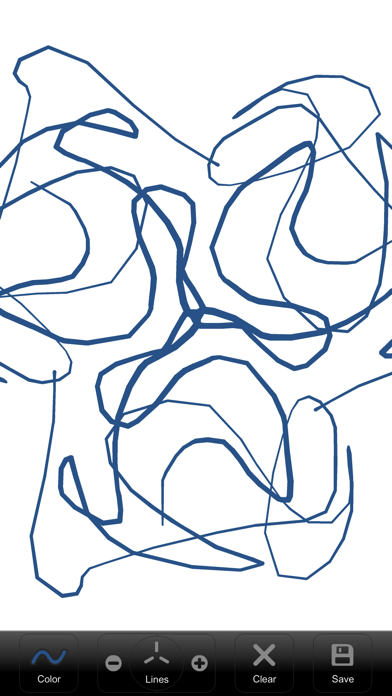
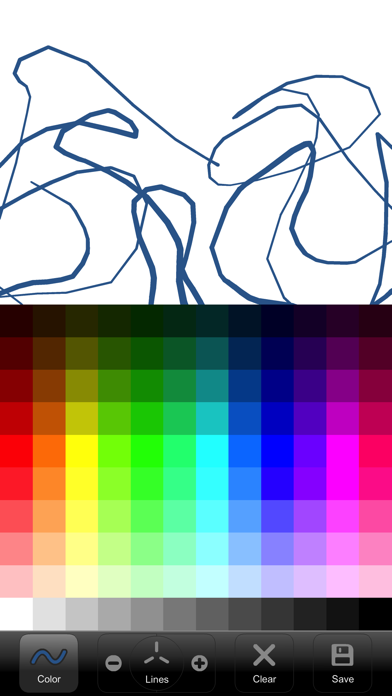
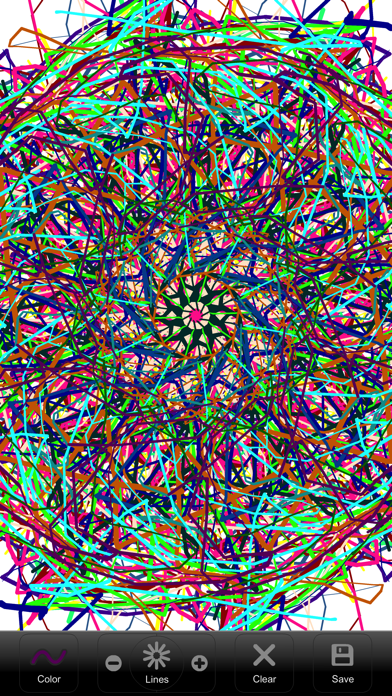
Create kaleidoscope patterns by swiping fingers across the screen. Adjust the number of lines and line color. Use multi-touch for advanced control. Save generated artwork to the device's Camera Roll.
A simple paint program which generates kaleidoscope-like images with the swipe of a finger.
Features:
- Change number of lines
- Change line color
- Multi-touch support
- Save drawing to Camera Roll