Create kaleidoscope patterns by swiping fingers across the screen. Adjust the number of lines and line color. Use multi-touch for advanced control. Save generated artwork to the device's Camera Roll.
by Aaron Neugebauer★ 4.58 ratingsEntertainmentFreeData updated 2026-09-08
Lets users select and color numbered sections of images. Each area has a linked to a specific color. Users can choose colors, fill in sections, and save or share their artwork. Features include free pages, numbered guides, and color selection tools.
Lets users paint mandalas, patterns, animals, florals, and themed images. Upload personal drawings for enhanced visuals. Use AR to view artwork in real-world settings. Create mandalas with simple swipes. Save and share completed artwork.
Connect pipes of the same color to form continuous lines and complete patterns. Pair all colored pipes to fill the board without overlaps. Play offline anytime. Free to play with simple rules and challenging puzzles.
Edit photos by converting them to black and white while retaining selected details. Use multi-touch gestures to paint areas in black and white or restore original colors. Zoom in and out with two-finger pinching. Adjust and export edited images.
Calculate with a dual-line display showing input and result simultaneously. Use percentage and backspace functions. Switch between 18 color themes. Enter multi-line equations. Automatically format scientific expressions.
Choose a photo from your camera roll or take a new one, then apply effects automatically. Select from various styles, adjust positioning, zoom, and customize edits. Save and share the final .
Play a 3D game with realistic physics and detailed graphics. Roll the ball by flicking the screen, add spin with left or right swipes. Choose from 16 balls. Play single player, pass n play, versus CPU, or time trial modes.
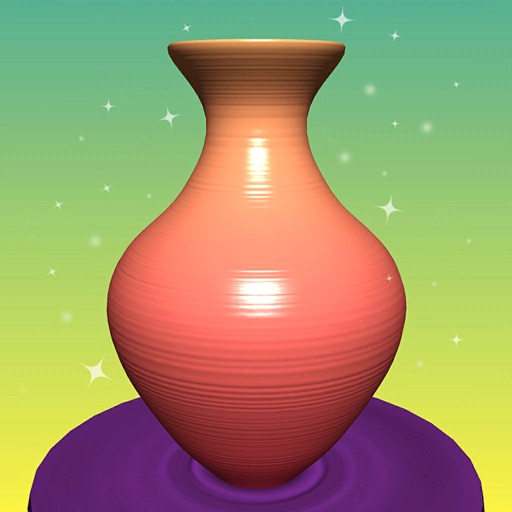
Create 3D ceramic pottery by swiping to shape and texture surfaces. Apply colors and glazes with touch controls. Save and share finished designs. Adjust lighting and materials for realistic rendering.
Create floor plans and layouts by drawing lines, rectangles, and shapes on up to 10 layers. Add text, arrows, and measurements. Export designs as PDF, JPEG, or DXF. Sync files via iCloud and transfer via DropBox.
Create drawings by combining different art styles. Divide images into sections and apply unique styles to each part. Mix and match colors and patterns to design custom artwork. Save and share completed creations.
Create paintings by following numbered instructions on printable images. Choose from themed pages like florals and animals. Share artwork with friends. Access new images daily. anywhere using a mobile device.
Create digital artwork with realistic painting and drawing tools. Use exclusive brushes mimicking real-world art mediums. Simulate fluid watercolor effects. Adjust brush settings for precision. Export artwork in various formats.
Create geometric art by rotating, spinning, and zooming the . Capture and save images or record video loops. Share creations directly or save to device.
"Create art by selecting colors and filling in picture sections. Complete pre-designed images or customize drawings. Save and share creations. Access a library of themed illustrations for endless sessions."
Documents and receipts with automatic border detection and perspective correction. Adjust color, orientation, and resolution settings. Save as high-resolution images or multi-page PDFs. Edit borders and apply filters.
Create art with a simple interface. Tap to draw and access basic tools for designing SNS icons, game skins, or craft patterns. Export artwork for use in perler beads, cross-stitch, or knitting projects.
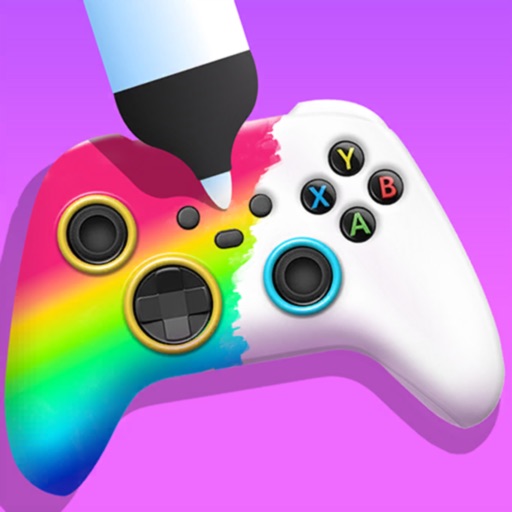
Create custom game controllers by designing art with stencil tools, spray paint, and stickers. Apply color and patterns to joysticks and gamepads. Add decorative elements like marble dipping. Save and share custom designs.
Create art by following numbered grids. Choose from pre-designed images or generate custom designs using AI. Adjust colors and save projects. Share artwork directly or export in various formats.