iPhone Screenshots

Description
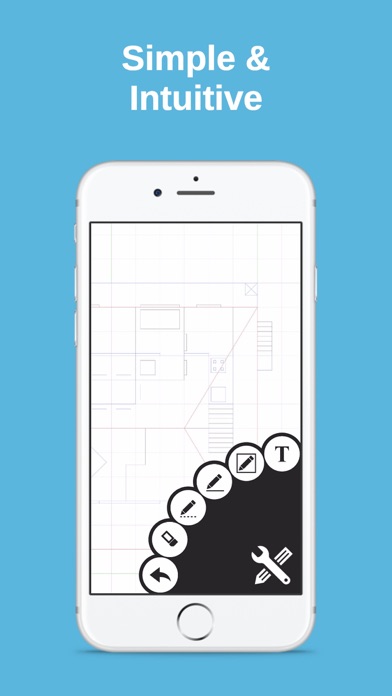
Create floor plans and layouts by drawing lines, rectangles, and shapes on up to 10 layers. Add text, arrows, and measurements. Export designs as PDF, JPEG, or DXF. Sync files via iCloud and transfer via DropBox.
Draft Paper is a simple and intuitive way to make floor plans, layouts or blueprints quickly and easily.
Touch and drag to draw lines and rectangles on up to 10 independent layers, then export directly to PDF, JPEG or DXF ready for printing, emailing or editing in other software.
Full feature list:
+ Drawing: Line, Dotted Line, Arrow, Rectangle, Ellipse, Segment, Text, Erase, Measure, Presentation
+ Multi file iCloud support
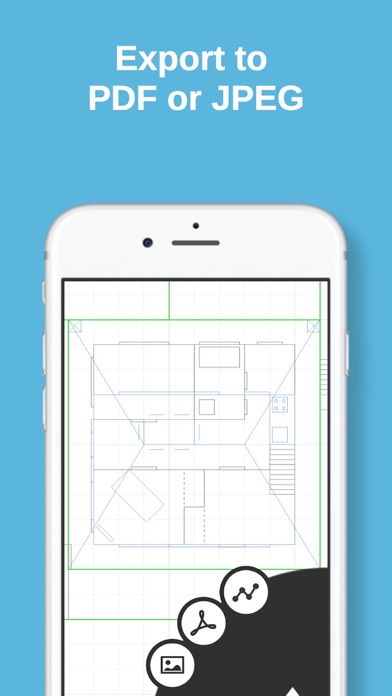
+ Export to JPEG / Vector PDF / DXF
+ Upload / download from DropBox or any other compatible app
+ Mirror / translate / rotate / scale operations
+ Smooth, fast and intuitive zooming / panning
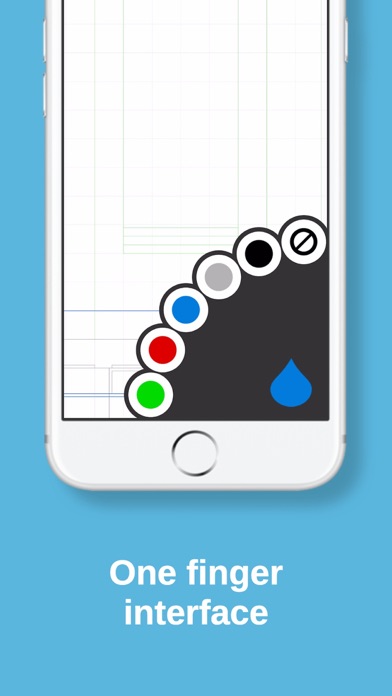
+ Multiple layers and colors
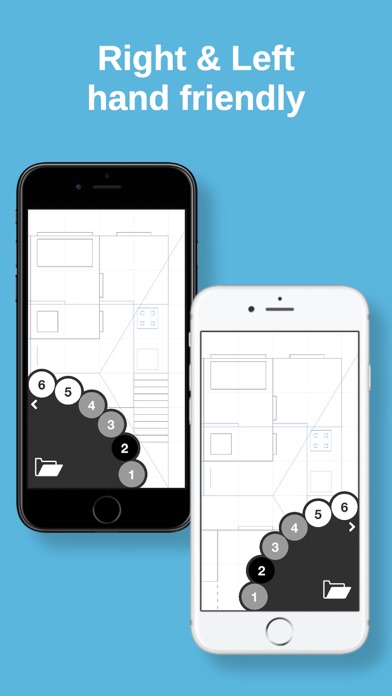
+ Selectable right / left handed modes.
+ Unlimited undo
+ Unlimited size drawing area
+ Apple Pencil support (including double tap)
+ Metric / Imperial (USC) units support
+ Designed for iPhone and iPad
For full instructions please visit our website, http://draftpaper-app.com