

Apps Like WowPaint for iPhone and iPad
Create consistent patterns and draw.
The app offers unique features for creating repeatable patterns and drawing. Users can create consistent patterns with Wrap X/Y and tiled displays.
WowPaint screenshots
Ranked alternatives
Showing 241–260 of 1,000 ranked alternatives.


Image Painter - Picture to Art
Blue EdgeZ LLC
Edit photos with artistic brushes and effects
Transform photos into artworks with customizable brushes and artistic effects. Apply color filters and use dynamic generative brushes for creative expression. Adjust brush stroke styles, sizes, and effects to refine details.


SwirlPaint
Aaron Neugebauer
Create kaleidoscope patterns with swipe
Create kaleidoscope patterns by swiping fingers across the screen. Adjust the number of lines and line color. Use multi-touch for advanced control. Save generated artwork to the device's Camera Roll.


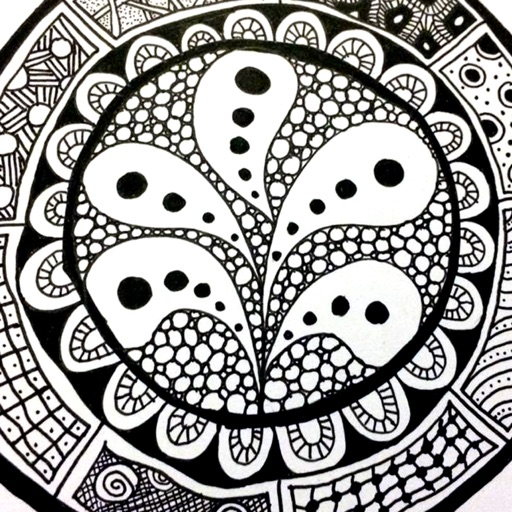
Doodle Patterns
Lightwood Consultancy Ltd
Draw 100 tangle patterns easily.
The app provides a reference guide for doodlers, featuring 100 tangle patterns with drawing instructions. Users can browse a gallery of creations and share their own drawings.


Fonts for Cricut Designs
Contractor Pro Software LLC
Draw letters, export , share
Create custom by drawing letters with finger or Apple Pencil. Add personal style to each character. Export letters as SVG files in a .zip file. Suitable for crafters, DIY enthusiasts, and artists.


Überdoodle
Morten Bek Ditlevsen
Create beautiful spiral drawings easily.
The app allows users to create spiral drawings with colorful gears and rings. Users can import photos, use multiple drawing modes, and save or share their creations.


Artist's Touch for iPad
Artamata, Inc.
Paint like a master artist.
The app allows users to paint like a master using photos from their iOS library. It offers realistic media and paper textures for creating artistic effects.

Sketch Grid
supple software ltd
Reproduce, scale, and adjust images easily.
The app allows users to draw anything using a grid. Users can select any area of an image, choose different grid types, and adjust grid size, color, and thickness.

Dear Bear - Drawing app
受杰 柯
Draw with fingers or Apple Pencil
Draw and create with finger or Apple Pencil. Access professional tools including layers, brushes, and materials. Import images. Edit and save drawings. Share completed artwork.

Stitch Graph Paper
hideko ogawa
Create patterns
Create and customize for cross and pixel art. Set grid size up to 1,000 x 1,000. Choose display formats including symbol, fill, and . Use rulers and context menus to copy, move, flip, or clear elements. Duplicate pages and select starting positions.

How we rank alternatives
Apps are ranked by functional similarity, category fit, rating confidence, and popularity.