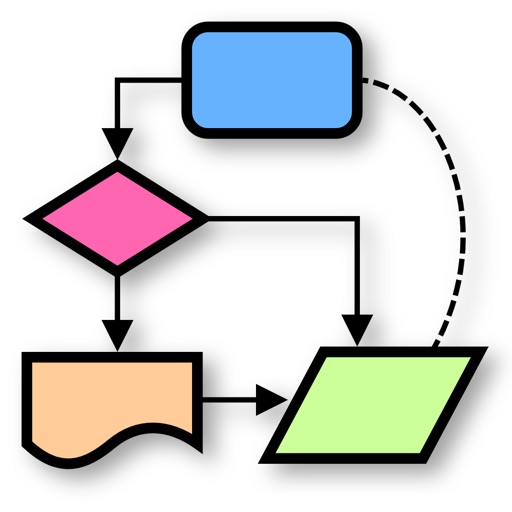
Create diagrams such as flowcharts, mind maps, and floor plans. Use a rich shape library with preloaded templates. Drag and drop shapes to build diagrams. Support for multiple diagram types including UML and data flow diagrams.
Create digital boards to organize ideas, projects, and research. Add photos, videos, audio files, documents, PDFs, web links, and stickies. Sync boards across devices using iCloud.
Create flowcharts, org charts, and process diagrams with drag-and-drop node addition. Use infinite canvas and 24 themes for customization. Organize nodes with containers and group them for complex layouts.
Access electrical codes and standards for residential, commercial, and industrial applications. Search for wiring diagrams, safety protocols, and equipment specifications. View detailed explanations of electrical systems and components.
Create one-line using standardized symbols. Select and drag symbols to arrange . Includes IEC and ANSI symbols for engineering. Add circuit breakers, switches, fuses, and other components. Save and export .
Create and view diagrams such as venn diagrams, flowcharts, mind maps, and org charts. Collaborate in real-time, comment on diagrams, and share links. Export diagrams in multiple formats and integrate with cloud storage.
Take handwritten with natural handwriting and Apple Pencil support. Annotate documents, take class , and organize personal knowledge. Sync across devices and share directly.
Write and organize ideas with interactive checkboxes for task tracking. Create and reorder to-do lists with drag-and-drop functionality. Check off completed tasks and manage shopping lists, daily chores, and project tasks.
Take with text, audio, and attachments like PDFs, photos, and web links. Scan documents and include handwritten sketches. Organize with checklists and sync across devices using iCloud.
Create and organize digital notes with handwriting recognition and customizable templates. Annotate PDFs and images. Use AI to summarize text and generate ideas. Collaborate in real-time with team members.
Draw and annotate using Apple Pencil or finger. Add images, videos, audio, tables, charts, and shapes. Create documents from templates or start blank. Edit text, format , and export files. Sync with Apple devices.
Create handwritten with customizable pens and highlighters. Annotate and markup PDFs. Record audio . Use AI to enhance note-taking. Organize with folders and tags. Sync across devices. Export in multiple formats.
The app offers shape recognition for basic shapes and connections. Users can drag and drop shapes from libraries, insert images, and record audio notes with objects.
The app offers a complete diagramming toolkit with exclusive, original shapes. It includes smart connectors, rich text formatting, and multiple export options.
Create spreadsheets using templates for budgets, invoices, and more. Use functions, draw with Apple Pencil, or write with finger. Add tables, charts, text, and images. Reorder columns and rows by dragging. Resize tables and double-tap to edit.