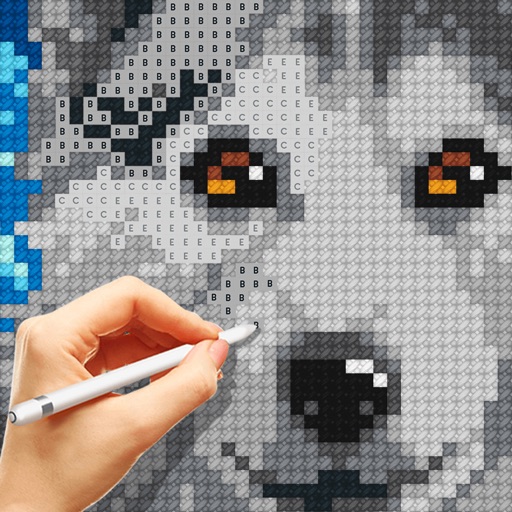
Create and customize for cross and pixel art. Set grid size up to 1,000 x 1,000. Choose display formats including symbol, fill, and . Use rulers and context menus to copy, move, flip, or clear elements. Duplicate pages and select starting positions.
by hideko ogawa★ 4.721 ratingsProductivity$2.99Data updated 2026-09-06
Create custom charts for crafts like cross stitch, bead weaving, knitting, and pixel art. Draw dotted images and design patterns with an intuitive touch interface. Export charts for use in projects.
Track projects, organize inventory, manage shopping lists
Track cross-stitch projects with the Journal module, adding photos, dates, and notes. Manage inventory with the Inventory module, adding charts, threads, and linen. Create and organize a shopping list for supplies.
Create floor plans and layouts by drawing lines, rectangles, and shapes on up to 10 layers. Add text, arrows, and measurements. Export designs as PDF, JPEG, or DXF. Sync files via iCloud and transfer via DropBox.
Multiple screenshots together to create a single long image. Select and arrange manually or let the auto- them seamlessly. Export the merged image for sharing or saving.
Create art with a simple interface. Tap to draw and access basic tools for designing SNS icons, game skins, or craft patterns. Export artwork for use in perler beads, cross-stitch, or knitting projects.
Create patterns from photos or manually. Adjust pattern size and complexity. Track progress on patterns. Export patterns as PDFs for printing or sharing. No subscriptions or in- purchases.
Create digital notes and sketches using Apple on Live Paper. Choose from over four hundred stationery types to design custom notebooks. Track time with a calendar planner, manage daily tasks with a day planner, and log nutrition in a food diary.
Create and view interactive - patterns from XSD, XSP, PAT, and OXS files. Highlight and mark patterns for easy reference. Export patterns in format. Share patterns with other users. Track progress on embroidery projects.
Track items with manual entry and editing. Monitor count changes over time using a graph. Export data as CSV for external reporting. Filter time series data on the graph.
Create embroidery, cutting, and printing designs using a library of thousands of templates and 2,000+ Disney designs. Edit text with 300+ fonts, monogram tools, and shape options.
Create poster or template collages with up to 20 photos or videos. Add text to images or videos. Edit photos with filters, cropping, and adjustments. Enhance visuals with artistic text overlays. Export collages in multiple formats.
Create and video collages with customizable grids and layouts. Add photos, text, stickers, and drawings. Use exclusive filters and animated templates. Export and share finished designs.