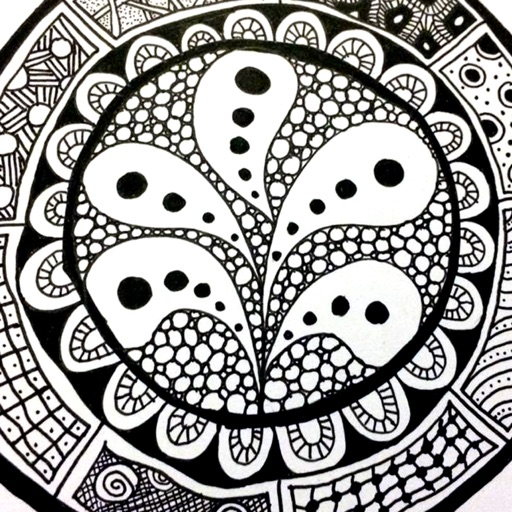
The app provides a reference guide for doodlers, featuring 100 tangle patterns with drawing instructions. Users can browse a gallery of creations and share their own drawings.
by Lightwood Consultancy Ltd★ 4.135 ratingsReference$2.99Data updated 2026-11-11
Learn to draw with step-by-step . Bookmark favorite designs. Print blank templates via AirPrint. Prevent screen sleep with a lock button. Practice mindfulness during drawing sessions.
Sketching and apps offer tools for creating and editing artwork. Users can draw on a virtual canvas, access various brushes and colors, and save or share their creations.
Can draw and paint using AR features that bring creations to life. They can trace images to improve motor skills. The offers a variety of colors and brushes for artistic expression. Users can save and share their artwork.
Snap photos, get step-by-step guidance, create projects
Capture photos of yarn or projects to identify colors and materials. Access step-by-step tutorials and patterns for and . View design inspiration and track progress on projects. Share creations and connect with other crafters.
Create simple sketches or abstract shapes during idle moments. Draw on a digital canvas with customizable tools. Save, share, or print doodles. Adjust color, line thickness, and erase freely.
, paint, and doodle on a digital whiteboard. Share artwork with friends. Use stickers, brushes, and shapes to enhance creations. Add text and export drawings in multiple formats.
The app offers video tutorials, classes, and quilt patterns for quilters. Users can browse thousands of fabrics, precut bundles, and kits, while also accessing exclusive deals and discounts.
Help users find and select fabric for projects. Choose from a library of , view measurements and instructions. Save preferred designs and share them with others. Track fabric purchases and manage project progress.
Upload and preview PDF patterns from Etsy, Ravelry, or other marketplaces. Track row progress with + and - buttons. Count rows during projects. Store and organize patterns. Sync with timer for timing sessions.
Explore stickers, create new ones, share instantly
Explore and share a wide variety of WhatsApp/iMessage stickers. Create custom stickers using gallery or camera photos with advanced cropping and background removal. Export creations to share with others. Generate instant links to share packs.
Draw and animate illustrations with a wiggle animation engine. Export creations as animated GIFs. Share artwork directly without accounts or ads. Collaborate with other artists in a community-driven environment.
Identify wood species, joinery techniques, and historical styles from photos. Access repair guides and cut lists for restoration and creation. Learn about wood characteristics and structural details to inform craftsmanship and preservation.
The app provides tools for creating sketches, doodles, drawings, and notes. Users can record video of their painting process or narrate a completed book.
A with a clean interface and basic colors allows users to collaboratively. Features include drawing with fingers or stylus, clearing the board, and sharing drawings via email or social media.
Create custom grids over reference images or drawing surfaces. Set grid dimensions and adjust spacing. Transfer intricate details square by square. Export drawings in multiple formats. Share directly from the .
Create digital art with 105 tools including pens, pencils, and brushes. Import and edit photos. Add text and rotate elements. Customize brush settings. Use customizable canvases. Save and share artwork.