The app generates animated patterns, dynamic collages, and slit-scan photos using camera input. Users can select screen areas to create flowing imagery and interact with one or two fingers.
by Jung-Hoon Seo★ 5.04 ratingsPhoto & Video$0.99Data updated 2026-09-22
Record segments and splice them together. Use Dual Cam for split screen or picture-in-picture. Trim and cut individual clips. Add AI-generated subtitles and remove silent gaps. Edit videos without complex controls.
The app allows users to create collages using public domain images from LACMA's collection and the "In Wonderland" exhibition. Users can also incorporate photographs from their device's camera and camera roll into their creations.
Capture photos and videos with one tap using AI technology. Apply film simulation to reduce sharpness and simulate film sensitivity. Adjust filters and styles freely. Enhance colors intelligently for vivid results.
Create and manipulate polyrhythmic MIDI patterns with visual feedback. udio using five selectable sound types. Transmit MIDI data to compatible devices. Control patterns through intuitive interface with adjustable parameters.
Combine photos into a single collage with 50+ layout options. Add exclusive stickers, backgrounds, and frames. Adjust layouts, crop, and rotate images. Include text to personalize and share the final design.
Edit by selecting from the gallery or using the camera. Add and adjust their position, size, and rotation. Crop images by dragging or scaling with two fingers. Share the edited photo directly.
Flip videos by swiping left, right, up, or down. Rotate videos using two fingers. Adjust playback speed and add text overlays. Share edited videos directly to social media.
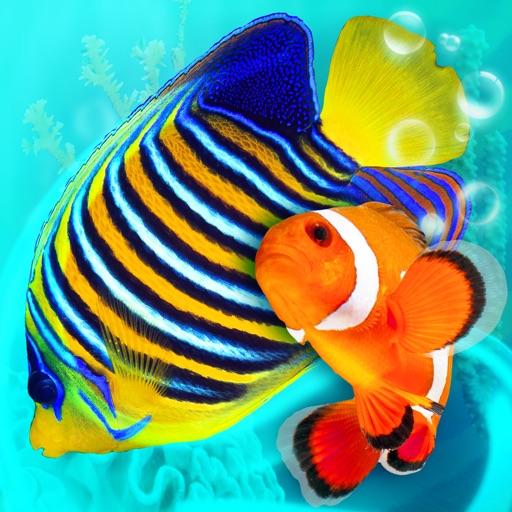
Explore a 3D with 40+ tropical fish species. Customize tank inhabitants, feed fish, and interact by tapping the glass. Choose from three dynamic camera angles to view the reef environment.
Create lock screen backgrounds with personalized names. Type in or initials to preview designs. Choose from over 40 unique wallpaper options. Save images to camera roll and set as lock screen.
Create interactive bionic simulations of with high-fidelity details. Add multiple to the same screen. Enable water effects for a different visual style. Use local videos as backgrounds. Switch between camera views and pause camera input.
Record videos using and cameras simultaneously with dual output, picture-in-picture, side-by-side, split screen, or diagonal layouts. Swap cameras during recording and adjust picture-in-picture settings.
Create collages using 9 photos. Tap frames to insert images from the photo library. Resize, reposition, and crop photos within each frame. Preview the in full size and save it to the photo library.
Capture text quickly using manual input, share sheet, or camera. Save favorite quotes with one tap. Store metadata including author, source, date, and image. Filter quotes by rating.
Create PIP photos and collages using frames, filters, and effects. Add text, stickers, and adjust brightness and contrast. Share edited images directly or save to the gallery.
Explore a room to find a hiding . Tap areas to investigate, move around using on-screen arrows, and use the camera button to interact with objects. Solve puzzles to the room.
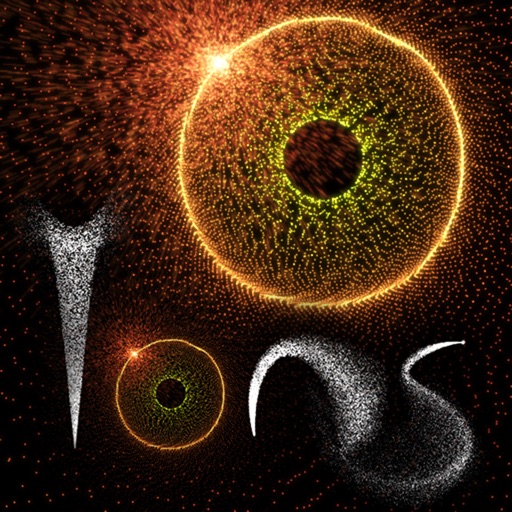
Create and animate patterns using up to 20,000 particles of light. Manipulate particles with fingers to paint or shape designs in real time. Adjust colors, sizes, and motion effects. Save and share created patterns.