Apps Like Emoji stickers to photos for iPhone and iPad
Add and crop
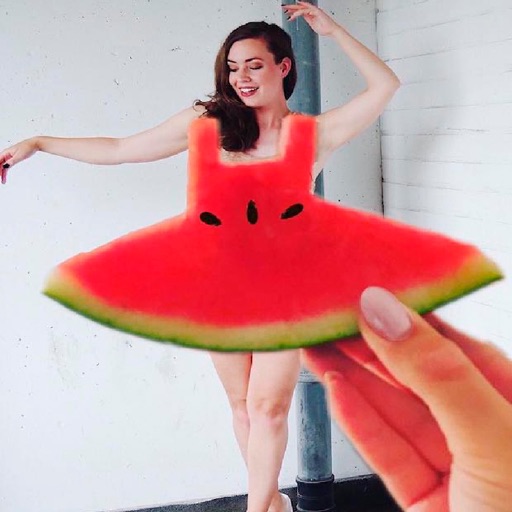
Edit by selecting from the gallery or using the camera. Add and adjust their position, size, and rotation. Crop images by dragging or scaling with two fingers. Share the edited photo directly.
by Mireia Lluch Ortola★ 4.745 ratingsPhoto & VideoFreeData updated 2026-09-12
Edit photos by selecting from the gallery or using the camera. Add and adjust their position, size, and rotation. Crop images by dragging or scaling with two fingers. Share the edited photo directly.
Add to using the camera or photo gallery. Select and position with a finger. Adjust photo size by pinching or spreading fingers. Crop by moving the image manually. Share edited directly.
Take photos or select images from the gallery. Choose or stickers and place them by tapping and dragging. Adjust size, rotate, or move stickers as needed. Share edited photos directly.
Add to photos or videos. Choose from over 300 sticker options. Crop and position within the frame. Share edited content directly. Apply to enhance visuals with a aesthetic.
Edit photos with stickers, filters, and effects. Add text and customize images. Share edited photos directly. Retouch images with over 200 -themed stickers. Save and export in various formats.
Take photos with the camera or select from the gallery. Choose from over 50 to add to images. Place by tapping and dragging them onto the . Share the edited directly.
Add clown to photos for a scary effect. Choose from available , position them, and change background to black or white. Edit images using built-in tools and save or share the modified photos.
Create collages with 20000+ layouts and effects. Add stickers and text to photos. Edit images with cropping and filters. Make videos with carousel and slideshow options. Share directly to Instagram.
Edit photos by adding customizable beards and mustaches. Choose from various styles and positions. Resize or rotate elements using multitouch. Save edited images and share them with others.
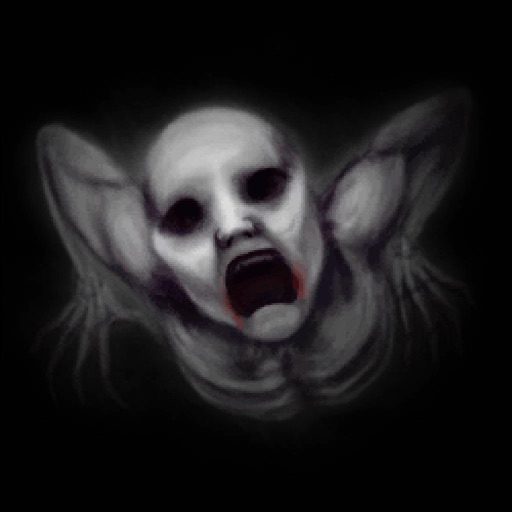
Add to photos for a terrifying effect. Choose from over 200 sticker options. Adjust sticker placement and size. Change background to black or white. Edit and save modified photos. Share edited images directly.
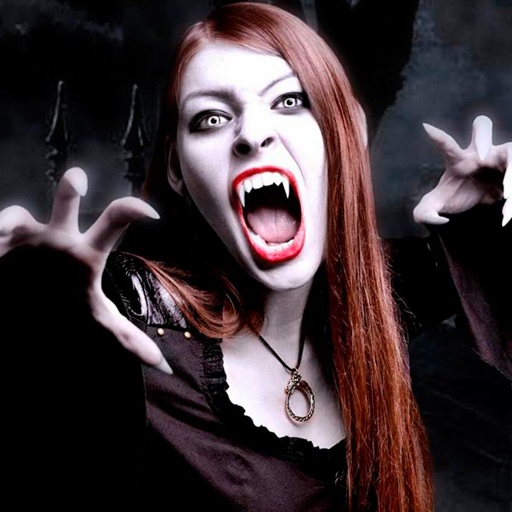
Edit photos by adding vampire from a collection of over 120 options. Adjust sticker placement and choose between black or white background. Select photos from the gallery or capture new ones with the built-in camera.
Create collages with over 1000 layouts and customize with filters, frames, and text. Edit photos using cropping, adjustments, and stickers. Save and share edited images directly.
Crop, rotate, flip, and resize photos without quality loss. Scale images for social media formats. Edit photos with blurs, patterns, and text fonts. Apply 180 art masks. Share edited content directly.