The app generates animated patterns, dynamic collages, and slit-scan photos using camera input. Users can select screen areas to create flowing imagery and interact with one or two fingers.
by Jung-Hoon Seo★ 5.04 ratingsPhoto & Video$0.99Data updated 2026-09-22
Create animated videos by acting in front of the camera or touching the screen. Record voice and save animations. Follow guided activities to make crafts and animate them. Share finished animations directly.
Create collages from up to 9 videos. Choose from various frames or none. Add visual and music. Use editing tools to customize projects quickly. Access templates for inspiration. Share finished collages directly.
Explore interactive maps with camera angles and location details. View place bios for country or location descriptions. Use smart search to find destinations via tags, filters, and recommendations.
Create videos using AI-powered templates. Add text, stickers, and music. Edit with pro tools. Export for Instagram and TikTok. Design collages with customizable layouts. Share directly to social platforms.
Create collages by combining multiple photos from the gallery. Choose from various frames and themes. Apply filters to enhance images. Share collages directly to social media platforms. Edit individual photos with cropping and adjustment tools.
Create freestyle collages with customizable layouts and postcard templates. Edit with advanced tools, apply multiple effects, and use beauty editing for men and women. Add stickers, labels, and export high-resolution images.
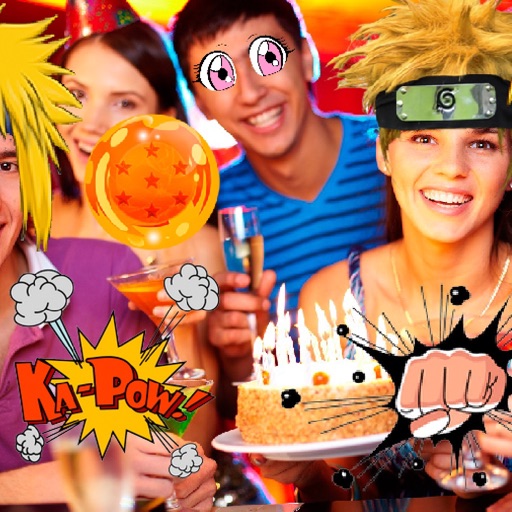
Take photos or select images from the gallery. Choose or stickers and place them by tapping and dragging. Adjust size, rotate, or move stickers as needed. Share edited photos directly.
Create AI-animated videos by uploading photos and generating interactive scenes. Merge multiple images into a single group photo using image fusion. Swap faces in photos or videos. Build personalized photo albums with editing tools.
Create collages using photos and videos with hundreds of templates. Arrange media in customizable layouts. Add text, frames, and effects. Share finished collages directly to social media.
Record video with and cameras simultaneously using Picture-in-Picture, split screen, or single layouts. Capture triple shots in one click. Save and share recordings.
Edit photos with AI cartoon filters, -to-sketch conversion, and mosaic art creation. Remove backgrounds, add drip art, and create collages. Save and share edited images directly.
Create collages by combining photos into -shaped frames. Apply filters and adjust colors. Share collages directly or save in various formats. Organize memories in a single album.
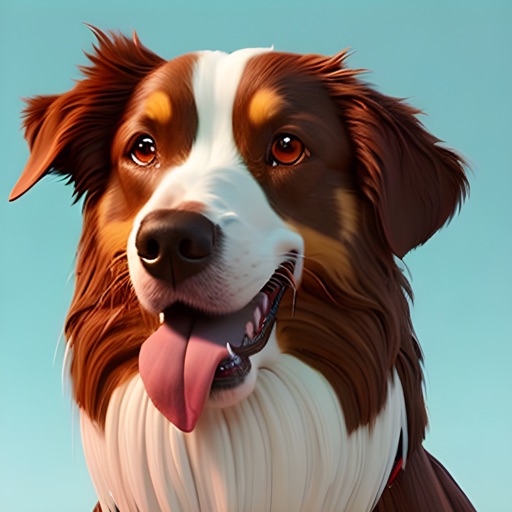
Create AI-generated images of your dog in various styles and scenarios. Upload a photo to generate visualizations. Share images on social media platforms like Instagram and Facebook. Choose from multiple artistic styles.
Control TV with functions and media playback. Cast photos and videos from Camera Roll. Switch apps and channels. Use keyboard for text input and search. Premium subscription available for enhanced features.
Connect your Fujifilm ™ or +™ camera via Bluetooth. Create videos by combining smartphone images with music. Add QR codes to images for playback or printing. Download videos and scan QR codes to view them on your smartphone.
Edit photos using natural language commands to adjust features like body shape and background. Apply AI-generated edits with minimal input. Create short videos with AI-powered tools for editing and enhancing content.
Create collages by combining multiple images. Choose from customizable layouts. Add text or comments. on images. Rearrange or move photos. No ads. No internet required. Works on iPhone and iPad.