
iPhone Screenshots


Description
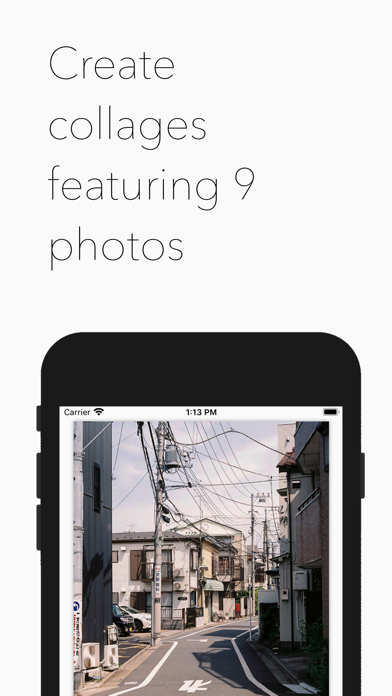
Create collages using 9 photos. Tap frames to insert images from the photo library. Resize, reposition, and crop photos within each frame. Preview the in full size and save it to the photo library.
Automatically create collages using 9 portrait photos.
‣ Tap each frame to insert photos from your photo library.
‣ Tap "Add Photo to Frame" to choose a photo from your photo library.
‣ Resize, reposition and crop your photos into the portrait frame.
‣ Tap the "Preview Collage" button to see your collage in full-sized detail.
‣ Tap "Save to Photo Library" to save your collage to your photo library.
Enjoy!
• Customer Support
You can reach us at [email protected] and we will do our best to solve all of your problems and questions related to the app.
We would love to hear from you! Please let us know if you have any questions, concerns or suggestions by sending an email to: [email protected]