View two different albums side by side or compare photos directly. Swipe left/right to navigate, pinch to zoom, and double-tap to enter full-screen mode. Create combined side-by-side images and access detailed EXIF data.
Edit photos by adding custom logos. Choose from Square, Landscape, or Portrait formats. Import images from the photo library. Add custom text to create a . Adjust font, size, rotation, and color. Position the anywhere on the canvas.
Edit photos with skin smoothing, wrinkle removal, and blemish reduction. Adjust makeup intensity and highlight areas. Apply filters for natural or enhanced looks. Save and share edited images directly.
Remove objects and watermarks from photos using AI-powered tools. Edit images by erasing unwanted elements like people, animals, or objects. Repair images with high-quality processing and share results on social media.
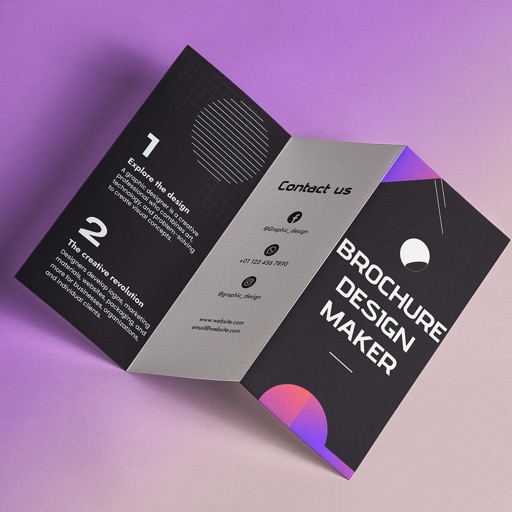
Create brochures by selecting from 2500+ templates across industries like business, travel, and education. Edit layouts, add text, images, and graphics. Export as PDF or print directly. Save and share designs.
Edit photos with filters, select and apply Independence Day , add text with customizable font style and size. Share edited photos via social links. Set color options and arrange images in sets.
Create art with layers, animation, and onion skinning. Import color palettes from Lospec or use built-in options. Zoom with pinch, draw with tap, and view mini-previews while dragging. Sync with Aseprite for file transfer.
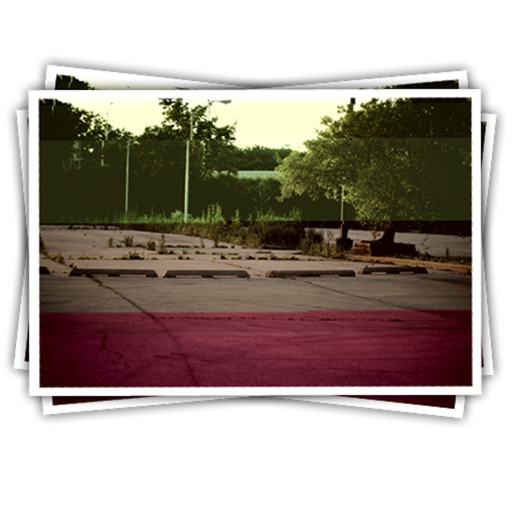
Apply effects to photos including sepia tone, grain, darkened edges, distressed paper, and faded highlights. Adjust intensity settings and export edited images in various formats.
Edit photos by removing unwanted elements like , skin blemishes, buildings, and lines using AI technology. Crop images and videos with high quality. Eliminate dark spots and acne from faces or bodies. Adjust and enhance images for a polished look.