
Pixel Brush: 8 bit hobby gifs
Create art with layers and animation
Jaween Ediriweera
iPhone Screenshots


Description
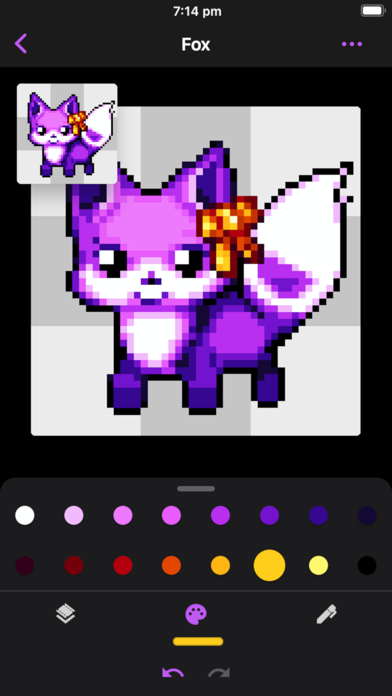
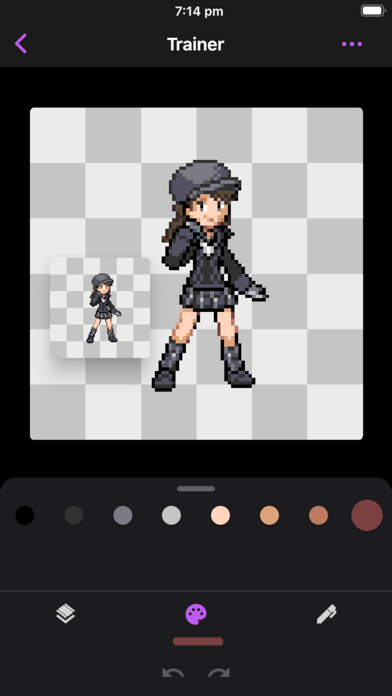
Create art with layers, animation, and onion skinning. Import color palettes from Lospec or use built-in options. Zoom with pinch, draw with tap, and view mini-previews while dragging. Sync with Aseprite for file transfer.
Intuitive pixel art creator for aspiring artists. With layers, animation, onion skinning and more!
Compatibility with the popular Aseprite desktop software allows you to move art between Aseprite and Pixel Brush with ease.
Start your new hobby today and learn art together with our friendly Discord community!
Intuitive for beginners:
• Pinch to zoom and tap to draw
• Pick from professional built-in color palettes, or import one from Lospec
• Zooming in reveals a mini-preview (try dragging it around)
Animate like a pro:
• Create beautiful animations with onion-skinning and image linking, then share your creation as a GIF or MP4
• Speed up or slow down individual frames
• Layers let you separate elements of your art, handy for organization
Grow as an artist:
• Share your art with the friendly community, we'd love to see your creations!
• Create art on canvases up to 1024x1024
• Save unlimited color palettes
Other features:
• Export and import Aseprite files
• No ads
• Saving happens automatically, so you can focus on your creations
• Sharp exports with no blurring
• Create Isometric lines
Plenty more features coming soon, so follow on social media (links in app) and stay tuned!