Apps Like Background Eraser - Auto Cut for iPhone and iPad
Edit photos and remove backgrounds automatically
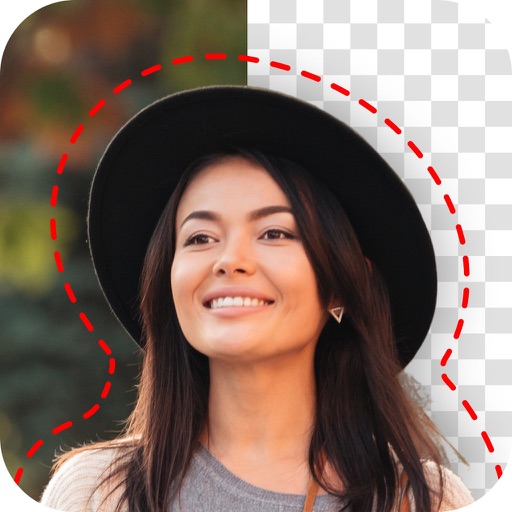
Edit photos by removing backgrounds with mode, object extraction, and quick select tools. Use transparent backgrounds for stamps and collages. Share edited images directly with other apps.
by Liam Sammy★ 4.3102 ratingsPhoto & VideoFreeData updated 2026-09-17
Remove backgrounds or objects using AI by adding a and tapping "remove." Adjust the new background to a custom color, white, another image, a gradient, or a preset. Add text, shapes, and photos to the edited image.
Color pages with tap, swipe, and brush adjustments. Choose from kawaii-style illustrations featuring bears, bunnies, flowers, and scenes. Use soft pastel color palettes for a gentle, dreamy experience.
Add to photos with machine learning. Choose from Bokeh, Box, Motion, Crystallize, or Pixelate styles. Adjust intensity with a slider. Apply to single or multiple images.
Remove backgrounds from photos using AI technology. Replace backgrounds with photos from the library, captured images, or selected colors. Adjust settings for precise edits. Export edited images directly.
Create digital collages using images from your photo library. Crop and remove solid backgrounds from photos. Rotate, resize, and reposition images. Adjust background size and tint. Experiment with creative arrangements for digital art.
The app allows users to select foreground images from various sources and erase backgrounds. Users can then add background images, text with over 100 font styles, and over 1000 stickers to create edited photos.
Create collages with 106 adjustable layouts and 31 irregular designs. Choose from 18 frames and 36 backgrounds. Customize borders with color and shape. Edit photos using a built-in PRO editor.
Edit photos, remove backgrounds, export for passports
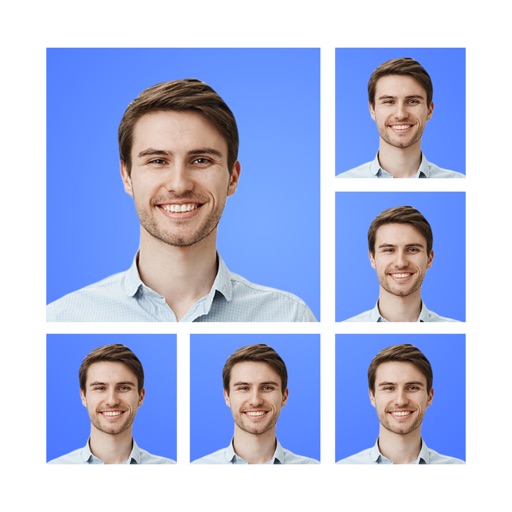
Create and ID photos for US, UK, Canada, and other countries. Remove backgrounds manually or automatically. Edit photos, adjust size, and convert to ID-ready format. Select country-specific requirements and export final images.
Edit photos with advanced filters, backgrounds, and effects. Adjust skin tone, eyes, and facial features. Add text, stickers, and borders. Export in various formats and share directly.
The app allows users to remove blemishes like pimples, moles, and scars from photos. Users can select areas to edit, and the app processes the image to create a natural appearance.
Remove people or objects from photos by selecting and erasing them. Eliminate from images with precise tools. Uncrop photos to expand the frame. Change backgrounds by removing the existing one and applying a new one.
Remove backgrounds instantly and replace them with images or videos from the gallery or camera. Add music, GIFs, or animations. Choose from a large library of backgrounds and animations. Edit backgrounds in real-time.