Apps Like Background Eraser - Auto Cut for iPhone and iPad
Edit photos and remove backgrounds automatically
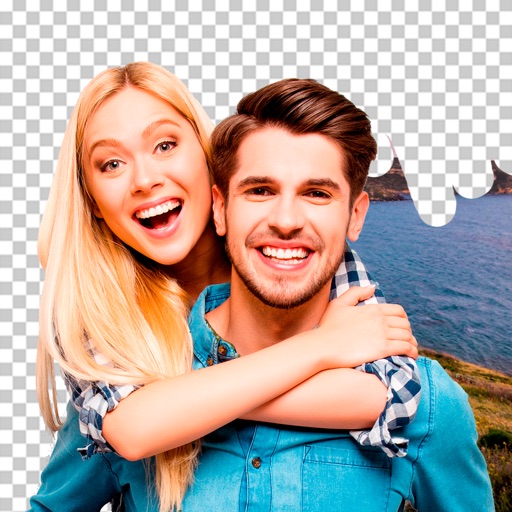
Edit photos by removing backgrounds with mode, object extraction, and quick select tools. Use transparent backgrounds for stamps and collages. Share edited images directly with other apps.
by Liam Sammy★ 4.3102 ratingsPhoto & VideoFreeData updated 2026-09-17
The app allows users to change a monochromatic background into any image. It offers tools to manually remove backgrounds without a green screen and includes features like auto-enhance, drawing, stickers, text, and various photo effects.
Edit photos by removing objects and changing backgrounds. elements to create montages. Adjust transparency and replace backgrounds. Save and share edited images directly.
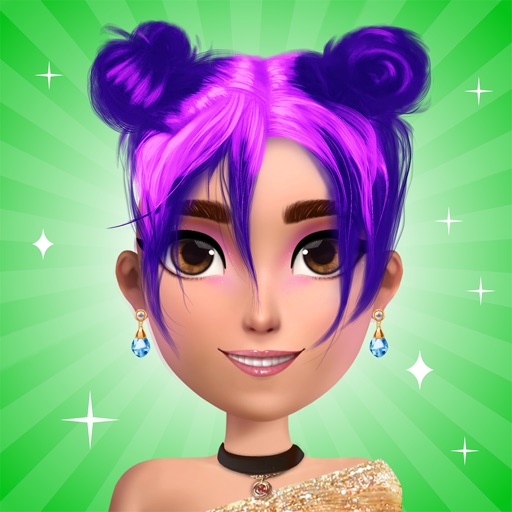
Create avatars by selecting male or female characters and customizing appearance with accessories and clothing. Save avatars with transparent backgrounds and export images for social media or other uses.
Turn photos into animated videos with AI-powered effects. Choose from trending templates for TikTok, Instagram Reels, and YouTube Shorts. videos with trimming, filters, and transitions. Export and share directly to social media platforms.
Play by clearing three peaks of cards using one deck. Select card styles, back designs, and backgrounds. Move cards between peaks to match rank and suit. Complete levels by removing all cards from the peaks.
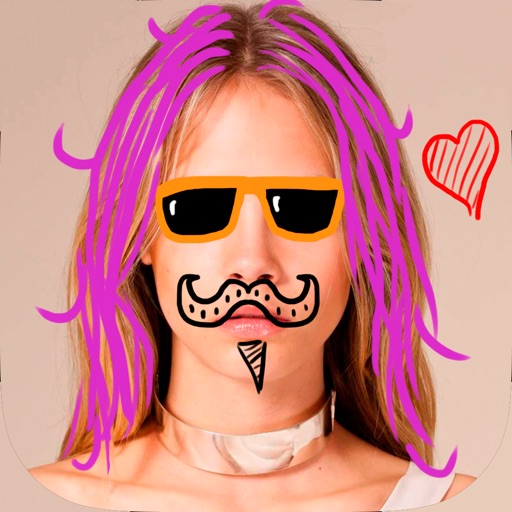
Edit photos with splash effects, convert images to black and white, or apply custom colors. Add filters, zoom in on photos, and use a brush tool. Export and share edited images directly.
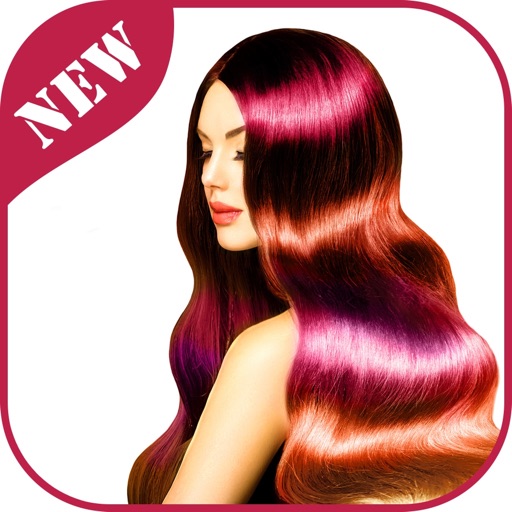
Edit photos by selecting and applying changes. Choose from standard and bright options. Brush to apply colors accurately. Save edited images to the gallery or share via email.
Create magical memories by editing photos with AI-powered cleanup, adding cute stickers, and applying dreamy filters. Build milestone albums to celebrate growth and special moments. Share edited photos directly from the .
Edit photos with filters, effects, and backgrounds. Create collages and layouts with ready-made designs. Crop and mirror images for social media. Add text and frames. Share edited photos directly to WhatsApp and Instagram.
Edit photos with unblur, object removal, and background cleanup tools. Apply AI filters, artistic styles, and motion effects. Create photo animations with one tap. Export and share edited images directly.
Create PIP photos and collages using frames, filters, and effects. Add text, stickers, and adjust brightness and contrast. Share edited images directly or save to the gallery.