
Background Eraser - Auto Cut
Edit photos and remove backgrounds automatically
Liam Sammy
iPhone Screenshots



Description
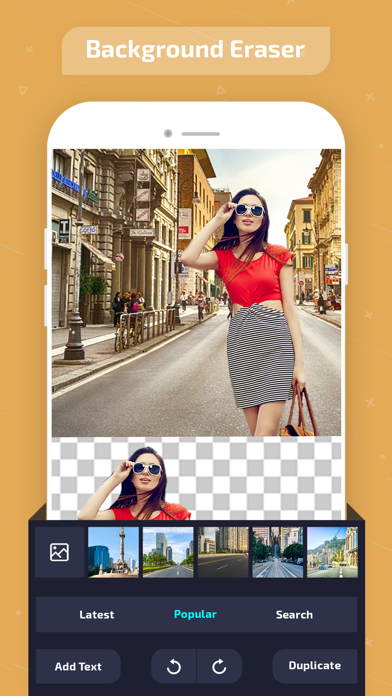
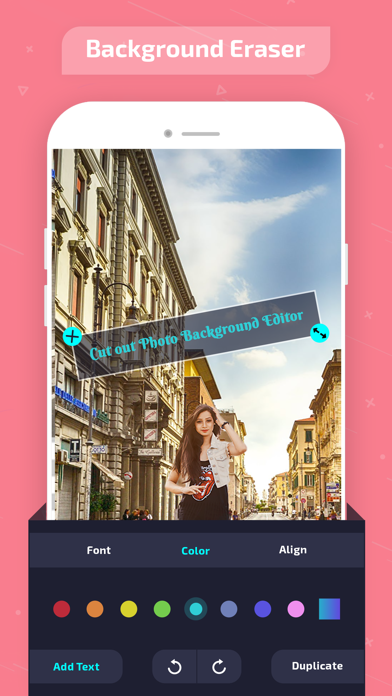
Edit photos by removing backgrounds with mode, object extraction, and quick select tools. Use transparent backgrounds for stamps and collages. Share edited images directly with other apps.
This is an application for cutting pictures and for making a picture's background transparent.
The resulting images can be used as stamps with other apps to make a photomontage, collage.
"Auto" mode
- Erase similar pixels automatically.
"Extract" mode
- Select and erase objects which you want to remove accurately, by using blue & red markers.
"Quick Select"
- Smart and easy to use, users just need to select part of the object and the edge detection algorithm will find the boundary.
"Hair Brush"
- Smooth and natural looking, paint on the hair/fur of an object and the algorithm will select the hair/fur for you in high quality.
"Regular Brush"
- A regular brush tool with the capability to adjust its size, hardness and opacity.
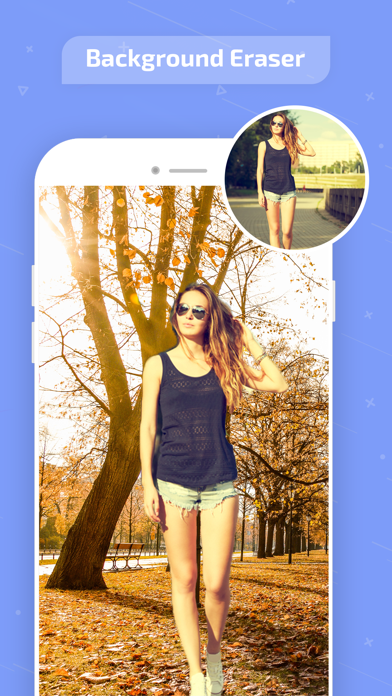
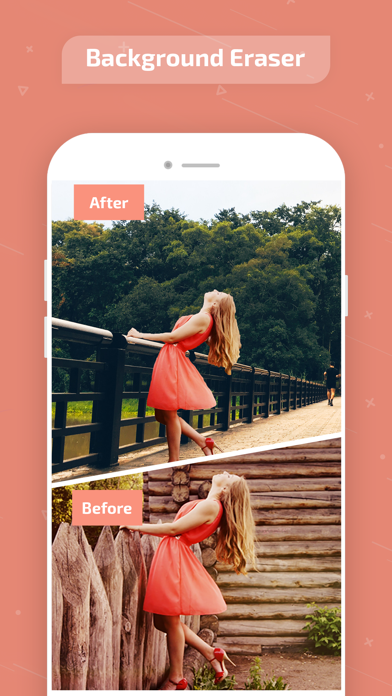
#Add Background Photo - Remove & Change your photo background
it's very important to make a picture's background transparent accurately
if you want to superimpose photos and make good composite photos.
By using this app, you can do it better.