Apps Like Retouch - Erase People, Text for iPhone and iPad
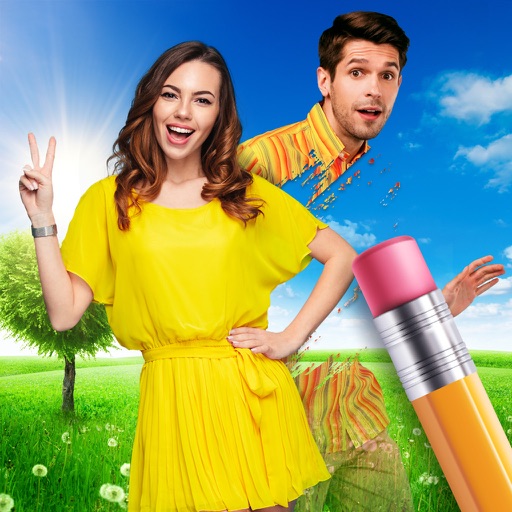
Remove people from photos
Remove people or objects from photos by selecting and erasing them. Eliminate from images with precise tools. Uncrop photos to expand the frame. Change backgrounds by removing the existing one and applying a new one.
by Dexati LLC★ 4.432 ratingsPhoto & VideoFreeData updated 2026-09-19
AI automatically detects and removes , people, and backgrounds from photos. Users can edit photos with skin whitening, acne removal, body reshaping, object erasing, background changes, cropping, text addition, and filters.
Remove unwanted objects from photos using AI-powered erasing and background replacement. Edit images by cropping, adjusting brightness, and applying filters. Save and share edited photos directly from the .
Edit photos and videos with filters, presets, cropping, and color adjustment tools. Resize and crop content for social platforms like Instagram and Snapchat. Create collages by combining images. Use MAGIC FILL to expand or uncrop images.
Edit photos and videos with filters, effects, and advanced tools. Remove backgrounds, create collages, and design mood boards. Access AI-powered features for art generation and scene switching. Export and share edited content in multiple formats.
Edit photos by selecting and removing unwanted elements such as people, objects, trash, pimples, lines, or other unwanted content. Retouch images to improve appearance. Save and share edited photos.
Edit photos with AI auto-beautification, facial retouching, and skin smoothing. Adjust features, enhance lighting, and apply filters. Save and share edited images directly.
Remove unwanted people and blemishes from photos or videos by painting and erasing. Edit images with AI tools, add text, filters, and effects. Adjust facial features like face shape, forehead, chin, and cheeks.
Edit photos and videos with AI retouch for detailed skin enhancement and blemish removal. Adjust lighting, color, and composition. Add text, stickers, and filters. Export in various formats and share directly.
Edit photos with AI-powered tools like face swap, background removal, and object removal. Enhance image quality with the quality enhancer. Convert images to video. Use the AI agent for generating photos and editing concepts.
FACE & BODY TUNE PHOTO EDITOR, SOCIETATEA CU RASPUNDERE LIMITATA
Edit photos, remove objects, apply filters
Edit photos by removing objects with the eraser tool. Apply 25 filters for styling. Add colored borders using the border tool. Recolor specific elements like clothing. Overlay bokeh and sparkles for enhanced visuals. Share edited photos directly.
Backgrounds from images with precise touch or auto-target tools. Maintain transparency for use in apps like Keynote or Pages. Edit pixels for accuracy and erase or restore specific areas.
Remove unwanted objects, people, or blemishes from photos. Crop, resize, and adjust aspect ratios. Replace or fix backgrounds and foregrounds. Erase text, lines, and tattoos. Improve clarity and tweak brightness, contrast, and saturation.
And people from photos using AI-powered erasing. Edit images with AI expand, generative fill, and AI replace tools. Adjust backgrounds for a natural look. Export edited images in various formats.
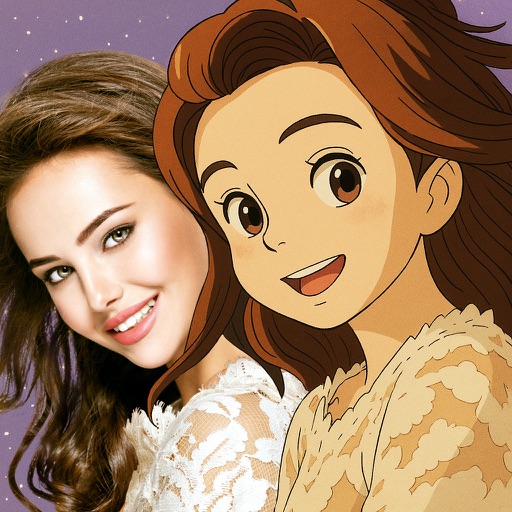
Convert photos into -style characters using AI technology. Select a photo or use the to generate avatars. Customize backgrounds, animate scenes, and share created artwork. Edit and refine cartoon faces with various styling options.
Remove unwanted , people, text, or distractions from photos. Use AI to automatically elements with a tap. Edit images by selecting areas to delete and refine the result. Save and share the cleaned-up photo directly.
Edit photos with 200+ filters and AI art effects for enhanced visuals. Adjust brightness, contrast, and saturation. Add text, stickers, and animated effects. Export in various formats and share directly. Apply AI flash for vintage aesthetics.
Edit photos by removing objects, erasing backgrounds, enhancing quality, expanding canvas, or replacing elements. Generate new images with AI filters. Perform basic edits and apply creative AI effects. Save and share edited photos directly.
Remove photo backgrounds with one tap using automatic analysis or manual tracing. Overlay multiple images with transparency options. Adjust and export edited photos directly.