Lets users view reference images in picture-in-picture mode while drawing. Access gallery to select reference images. Place references on screen for easy access. Adjust reference position and size. Share references directly from the .
by Vasilii Sverchkov★ 4.770 ratingsUtilitiesFreeData updated 2026-09-16
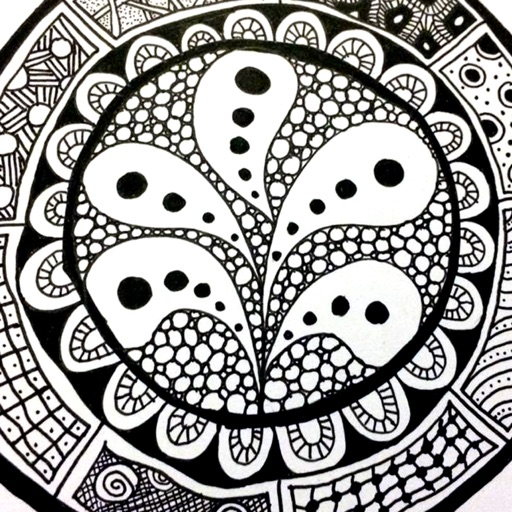
The app provides a reference guide for doodlers, featuring 100 tangle patterns with drawing instructions. Users can browse a gallery of creations and share their own drawings.
Allows users to project sketches onto surfaces using their phone's camera. Users can projected images onto paper, walls, or objects. The enables customization of drawing settings and provides real-time feedback during tracing.
Allows users to enable Picture-in-Picture mode for HTML5 videos in Safari. It works on websites with hidden video controls. Users can activate PiP by accessing Safari's Webtools Menu and managing extensions.
Remove backgrounds from photos using deep neural networks. Cut out people or objects and paste them into new images. Swap backgrounds and save edited images in various formats.
Play videos in Picture-in-Picture mode via Safari. Use an in- browser with Now Playing bar to browse while listening. Control playback and manage video settings directly within the browser.
Draw sketches using brushes and tools with support for Apple Pencil. Create layered artwork and zoom for detailed painting. Import and export vector images in PDF, PNG, and JPEG formats. Use color or photo backgrounds. Save artwork for later.
Edit photos by cutting and pasting faces, removing backgrounds, and deleting unwanted people. Add missing faces to photos. Use the silhouette head tool to select and edit elements. Export edited images directly.
Edit photos by applying romantic from a gallery. Add text and filters. Resize or move images. Save edited photos. Decorate images with 3D for creative expression.
Arthur Eduardo Skaetta Alvarez Desenvolvimento de Software LTDA.
Split photos into and share to Instagram
Create grid photos by selecting an image and choosing from 5 layout options. Split the into fragments and share them in the specified order to Instagram. Save fragments to the camera roll or share with other apps.