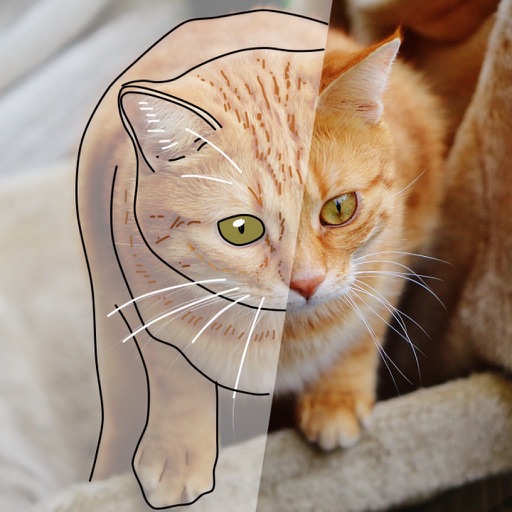
Lets users view reference images in picture-in-picture mode while drawing. Access gallery to select reference images. Place references on screen for easy access. Adjust reference position and size. Share references directly from the .
by Vasilii Sverchkov★ 4.770 ratingsUtilitiesFreeData updated 2026-09-16
Speed dial contacts directly from the home screen. Assign custom images to favorite contacts. Place widgets on the home screen for quick access. Make calls with one click. Personalize appearance and layout.
Convert real-life images into pixel art by selecting a photo and a world. Adjust colors and details using intelligent algorithms. Export the result as a world file for direct use in PE.
Browse websites in mode with HD video and image support. Filter images by type or size. Skip YouTube ads automatically. Use tampermonkey scripts and inspect network requests. Access cookies and enable picture-in-picture mode.
Over image templates with automatic pen tracking for accurate . Select from preloaded categories like animals, flowers, and vehicles. Choose from over 150 colors to customize drawings. Export final artwork in various formats.
Edit photos by selecting from the gallery or capturing with the camera. Apply various and effects. Adjust position, size, and angle. Save, share, or upload images to social media platforms like Facebook, Twitter, and email.
Connect to iOS device camera for live streams and meetings. Use manual controls for settings. Draw and add text via voice on video feed. Pause video to annotate. Stream via USB, HDMI, or AirPlay to Ecamm, OBS, or Zoom.
Identify mushrooms with photo or gallery selection
Identify mushrooms by snapping photos or selecting images from the gallery. Use AI to recognize species and display scientific names. Learn about characteristics, habitats, and safety information for each .
Arthur Eduardo Skaetta Alvarez Desenvolvimento de Software LTDA.
Convert photos to sketches
Convert photos into various styles like , colored, painting, and comic. Adjust brush thickness for customization. Save high-resolution sketches for sharing or printing.
The app allows users to search for physical objects using their mobile device by taking a picture. It provides internet search results, price comparisons, local search, and social sharing capabilities.
Object dimensions using phone and reference objects like credit cards or DVDs. Snap photos for accurate in-plane measurements. Add custom reference objects with known sizes. Export measurement data for later review.
Create mockups by uploading screen captures and selecting device templates. Add 3D rotation, background, shadow, shift, scale, and canvas adjustments. Choose different models, angles, and backgrounds.
The app simulates color vision deficiencies using images from a camera or library. It offers simulations for Trichromat, Protanope, Deuteranope, and Tritanope, and saves converted images.
Convert photos to PDF documents with layout customization. Add titles, subtitles, cover pages, headers, and footers. Brand PDFs with images and save in multiple formats. Share or export converted files directly.