
Cut and paste my face in photo
Edit photos, cut faces, replace backgrounds
Mireia Lluch Ortola
iPhone Screenshots
Description
Edit photos by cutting and pasting faces, removing backgrounds, and deleting unwanted people. Add missing faces to photos. Use the silhouette head tool to select and edit elements. Export edited images directly.
Create new photos with content.
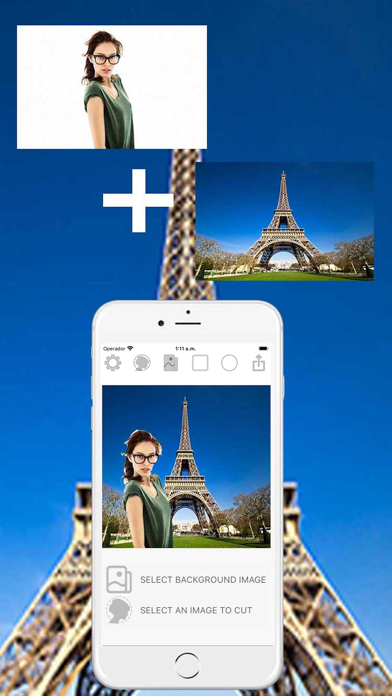
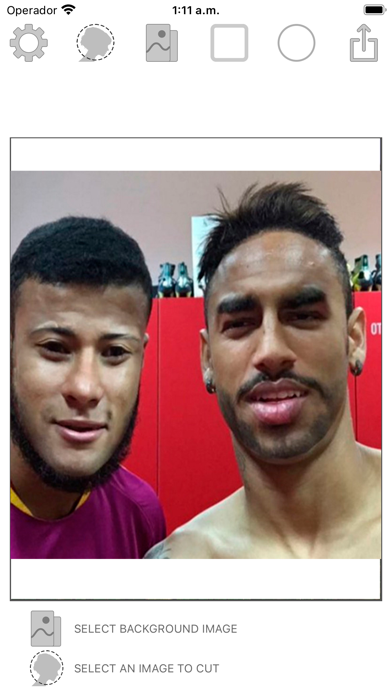
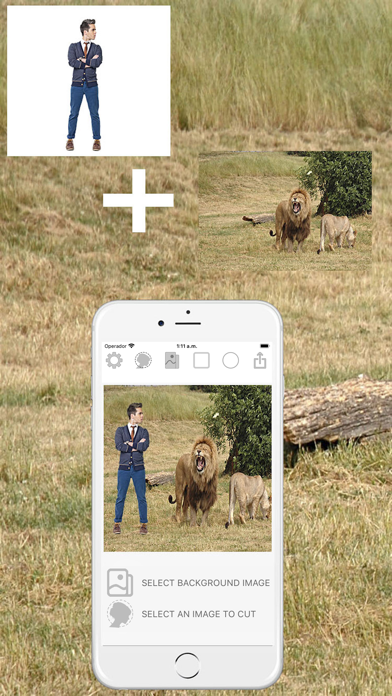
Want to swap faces? Cut one face and paste it on the other. Want to remove photo background? Cut the people out and put them on another background. Want to remove people from photos? This is the app for you.
Missed someone in a family photo? Add them into photos without the need professional photo editing tools. Best copy paste tool for photos.
INSTRUCTIONS:
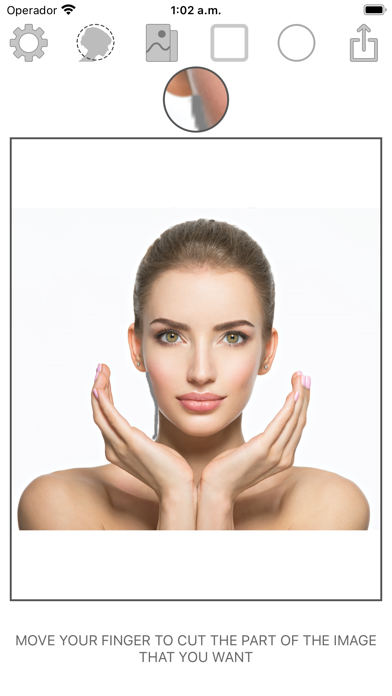
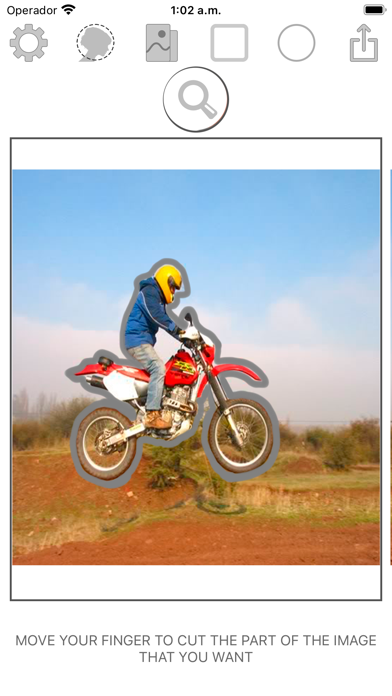
- Click the button silhouette head to select a photo from the gallery or take a picture with the camera, and then paint with the finger the portion of the photo you want to crop.
- Adds many photo cutout as you want.
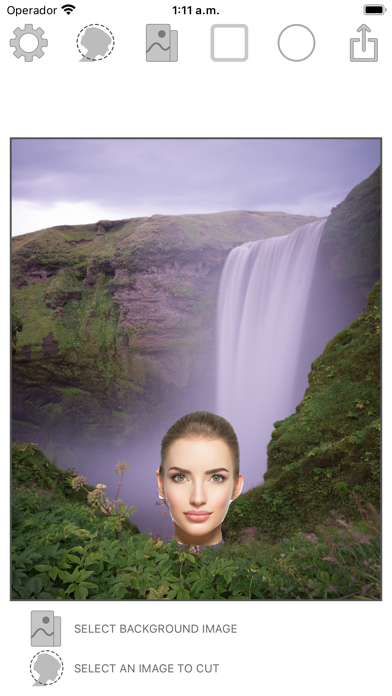
- Move, scale, or rotate the photo cutout to your liking.
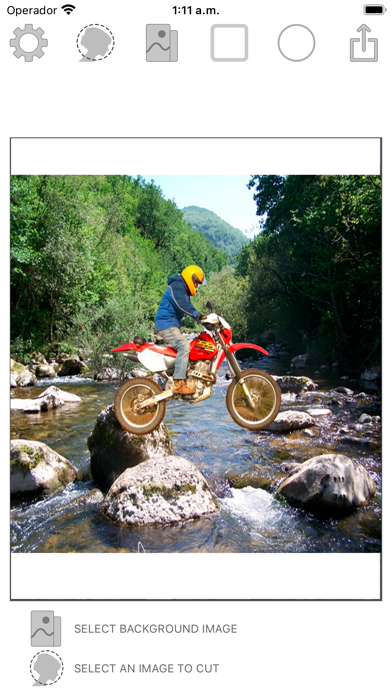
- Click the button to select the background image from the gallery or take a picture to put on the assembly line.
- Change background color of montage to white or black.
- See full background image or crop it to make it a square image.
Cut Paste Photos comes with 2 Main Photo Tools:
1. Cut photos: cut photos where you want to cut a part of photo or extract a person from photo background. Ideal for face swap and face changer.
3. Paste on photos: paste the cut photos on any backgrounds from your gallery. Add yourself in famous places or in photos with famous people.