
iPhone Screenshots



Description
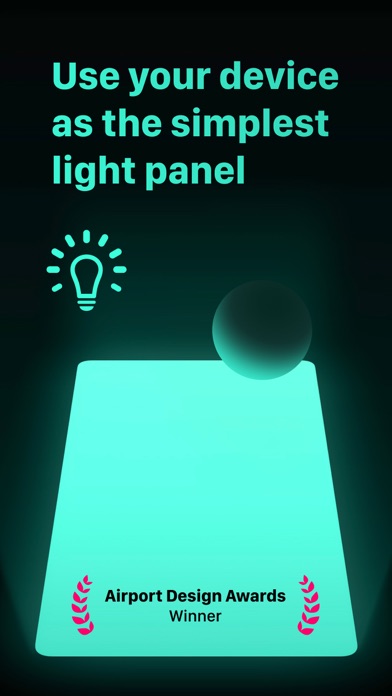
Turn your iPhone or iPad into a clean, full-screen color light. Pick any color, adjust the brightness, then hide the controls so the display becomes the light — with nothing else in the way.
Screen Light Color is useful as:
→ A studio light for accent or soft fill lighting
→ A lightbox / light table for tracing, drawing, animation, film negatives, radiographs, and more
→ A color reference and matching tool
→ A night light or screen flashlight
→ A red light for stargazing, night walks, or darkroom use
→ A beacon, visual signal, or mood light
Made to stay out of your way:
→ Open colors from Home Screen widgets or Control Center
→ Use Siri and Shortcuts to open the app and set colors
→ Use Split View and multiple windows on iPad, each with its own color
→ Temporarily disable touch to prevent accidental taps or palm input
→ Use custom in-app screen brightness without changing your device brightness elsewhere
→ Navigate the app with VoiceOver
Want more control? An optional in-app purchase unlocks:
→ Precision white-balance controls for warmer or cooler light, including magenta/green tint
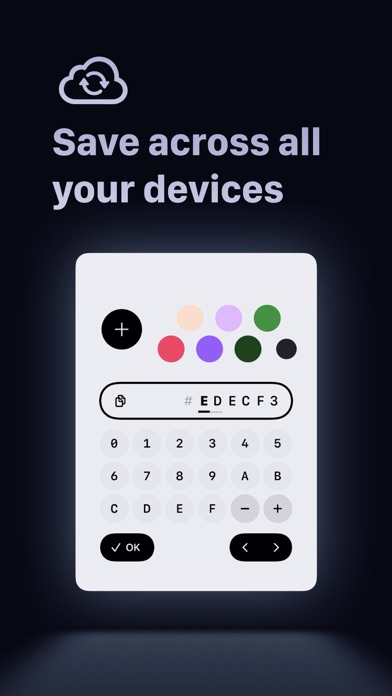
→ Hue, saturation, brightness, RGB, and HEX controls
→ Saving as many custom color swatches as you want
→ Sync saved colors across your devices with iCloud
→ External-display support, so you can turn a TV or connected display into a larger light panel using AirPlay or a cable
Simple when you want it. Precise when you need it.