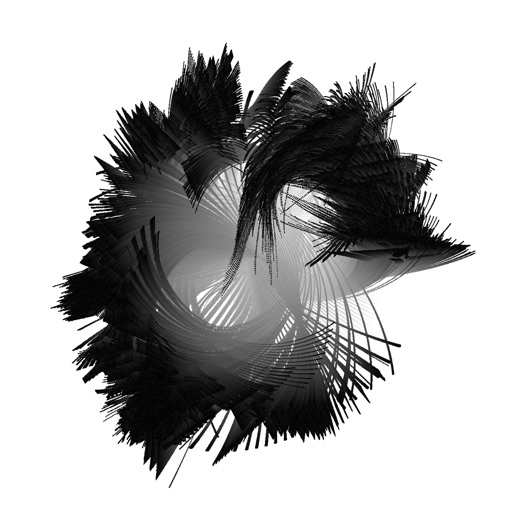
Create and animate particle effects in space with drawing tools and customization options. Adjust particle colors and gravity settings. Import images and record videos in full version. Supports iPad for enhanced experience.
by Johannes Pfahler★ 4.514 ratingsEntertainmentFreeData updated 2026-09-15
Detect sounds, record audio, create eerie atmospheres
Use device sensors to simulate -hunting experiences. Listen to sound wave data for eerie effects. Access magnetometer readings for box measurements. Record and share spooky video clips with built-in editing tools.
Create art with hand-drawn illustrations by Olivia De Bona. Choose from 50+ exclusive designs. Use tools to , sketch, and customize images. Save and share completed artwork. Adjust brush size and opacity for detailed work.
Create special videos using preloaded magic and stylish like fire, lightning, laser beams, and neon. Apply to videos or photos. Share finished edits directly with friends.
Create custom mosaics and video mosaics using images from device or social accounts. Analyze colors and shapes to generate personalized mosaics. Adjust settings for customization. Zoom in for detailed viewing.
Create mandala paintings using vector-based tools. Zoom smoothly for precise details. Choose from various colors and brush styles. Save and share drawings directly. Adjust layer settings for customization.
Create animated motion videos from photos using AI effects. Edit photos with filters and effects. Edit videos with AI-powered tools. Access a stock library of AI-generated assets. Customize profile pages and share content on social platforms.
Turns photos and videos into hand-drawn animations with 26 pre-set styles. Import media from the Photos or use Live Photos. Preview animations in real-time. No in- purchases.
Create 3D pixel art by coloring blocks according to numbered guides. Rotate and move 3D models to view all sides. Save and share completed artworks on social media platforms.
Coloring allows users to infinite pixel grids to create 2D art. Features include daily new images, ad-free experience with subscription, and access to additional pictures. Users can download updates daily and manage subscription plans.
On a virtual surface with finger or stylus input. Choose from various drawing tools and colors. Save and share creations directly. Supports touch and pen interaction for precise drawing.
Create art by following lines with customizable brushes and bright colors. Choose from various patterns and tools. Save and share completed drawings. Adjust colors and brush sizes for detailed painting.
Create colorful drawings by following lines and customizing colors. Replay sessions and repeat actions. Generate unique images each time by redrawing. Add sounds and movements with interactive buttons.
Create intricate designs, patterns, and mandalas using intuitive drawing tools. Use a single stroke to generate complex artwork. Access a variety of brushes and color options. Save and share creations directly.
Create calming effects by swiping fingers across the screen. Interact with colorful particles that respond to touch and movement. Explore over 50 unique visual effects designed for relaxation and stress relief.
Color images using -stitch patterns from categories like animals, flowers, and landscapes. Import personal images or select from a gallery. Create custom artworks and save progress. Share finished pieces.
Fill the board and clear blocks in a gravity-free version of Tetris. Compete against global players in real-time matches. Race against the clock in timed challenges.
Create 3D animated characters from drawings. Add details like fur and eyes. Animate movements and expressions. Share creations with others. Includes interactive play features for all ages.
Create animated videos from photos or artwork using motion effects and transitions. Apply filters, adjust timing, and combine multiple images. Share finished animations to social media or via link.