Apps Like VFX Editor Video After Effects for iPhone and iPad
Create and share special videos
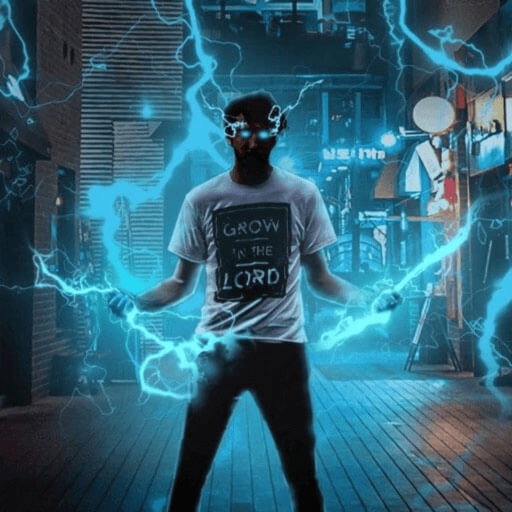
Create special videos using preloaded magic and stylish like fire, lightning, laser beams, and neon. Apply to videos or photos. Share finished edits directly with friends.
by Do Nam★ 4.6957 ratingsPhoto & VideoFreeData updated 2026-09-06
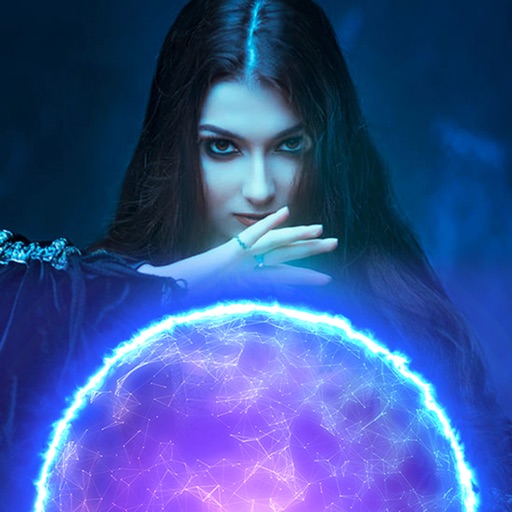
Record and edit videos with visual and templates. Add elements like dragons, magic circles, and space scenes. Include such as fire, laser, and lightning. Export and share edited videos directly.
Edit videos with professional effects and transitions
Create videos with customizable HD visual effects and motion graphics. Apply pre-designed transitions and filters. Add special effects and action FX to enhance visuals. Edit and export videos with high-quality output.
Record videos with built-in effects and camera . Apply magic effects during recording. Edit videos with visual adjustments. Share finished videos to social media platforms. Adjust settings for easier effect creation.
Trim, cut, and crop clips. Adjust brightness, contrast, and color. Add slow motion effects. Overlay multiple clips. Export videos in various formats. Share directly from the .
Create dynamic visual effects with real-time editing tools. Draw with fire, tap for explosions, or design custom visual displays. Share videos directly or cast to a TV. Adjust settings for precise control over effects.
Create videos with AI tools. Add automatic subtitles from audio or . Convert text to speech with one tap. Apply unique AI voices to audio. Get song recommendations. Remove backgrounds around people and faces.
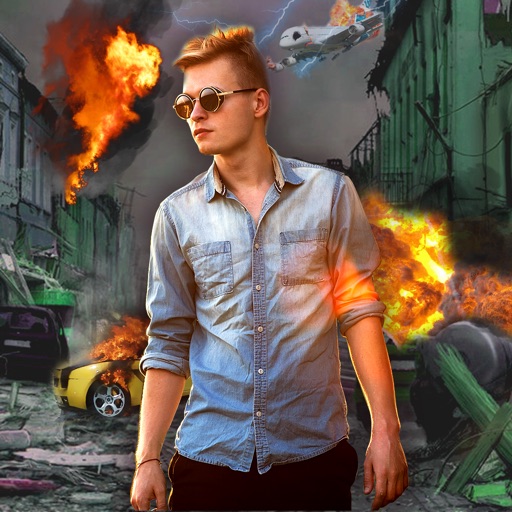
Edit photos with -themed effects like explosions, bomb blasts, and action stickers. Apply customizable FX frames and VFX filters. Decorate images to resemble posters. Share edited photos directly.
Edit photos and images with advanced tools for retouching, layering, and painting. Create multi-layered art and designs. Adjust colors, contrast, and lighting. Export in various formats and share directly.
Trim and shorten clips, split or merge videos. Apply filters, adjust brightness and contrast. Add text, stickers, and effects. Use keyframe animation, slow-motion, and chroma key. Remove background, add auto captions, and convert text to speech.
Edit videos with cutting, trimming, joining, and splitting tools. Create slideshows with media and transitions. Export in HD formats and share directly. Add text, stickers, and effects. Sync with cloud storage for backups.
Create and video collages with customizable grids and layouts. Add photos, text, stickers, and drawings. Use exclusive filters and animated templates. Export and share finished designs.
Add special effects to user-generated videos with options like explosions, lightsabers, and spaceship collisions. Include Star Wars-themed effects from ILM and Skywalker Sound. Export and share modified videos directly.
Create and edit videos and images with trimming, cutting, and merging tools. Add music, text, and stickers. Export to iOS devices or social networks like TikTok, YouTube, Instagram, and Facebook.
Create and manage unlimited projects with color-coded timelines. Share and export assets via the file manager. Support 4K on iPhone SE and later, iPad Pro. Add unlimited clips, audio tracks, voiceovers, and text overlays.