Apply filters to photos and videos to create a swirly bokeh effect. Adjust intensity and focus areas. Export edited content in various formats. Share directly to social media or messaging apps.
by James Grote★ 4.588 ratingsPhoto & Video$4.99Data updated 2026-11-12
Capture photos with controls including shutter, ISO, and white balance adjustments. Edit images using film-emulating presets, RAW processing, and advanced color settings. Export photos in high-quality formats and share directly.
Edit videos and photos with VHS effects, including color compression and signal noise emulation. Apply various filters for different styles. Export edited content in multiple formats and share directly.
Adjust intensity and direction to shape mood and depth. Add glow, rays, and atmospheric color. Refine shadows and highlights with precision tools. Export edited photos in high quality.
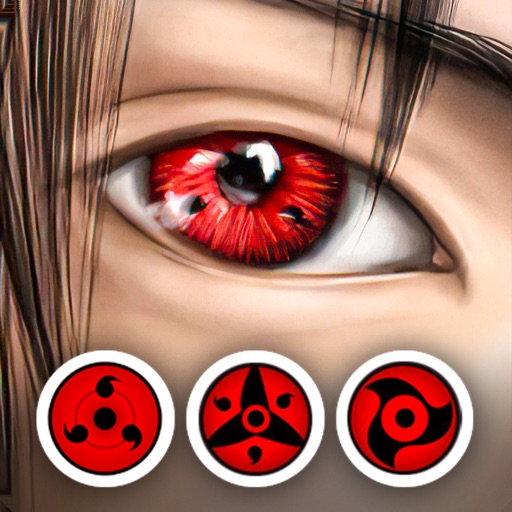
Edit photos by applying lenses and eye effects. Choose from various eye types and colors. Add red circles for a hypnotic effect. Drag and adjust lenses for custom placement. Share edited photos directly.
Auto-focus and exposure adjust automatically for portraits. AI enhances depth and background blur. Use Photo Coach for real-time guidance on composition and technique. Edit photos with filters, cropping, and adjustments.
Apply filters to images using neural networks to generate original artwork. Select an image, adjust composition, and choose from available styles. Export edited images in various formats and share directly.
Edit photos with -style filters, , and color grading. Adjust exposure, contrast, and saturation. Save and share edited images. Access tutorials on composition and photography techniques.
Edit photos with crop, rotate, exposure, color, sharpness, and resize tools. Create grid collages and edit individual images. Access presets, clone tool, and fine curve adjustments for detailed edits. Export and share edited photos directly.
Capture photos and videos from a rotating 360-degree camera. Edit images with basic tools. Share content directly to social media. Sync with compatible photo booths for seamless integration. View and manage media in a gallery.
Edit photos with multiple layers, blending modes, and masking. Adjust colors and brightness using adjustment layers. Apply brushes, smudge, warp, and effects. Add shadows and clarity. Export and share edited images.
Apply 800+ professional with themes like retro, vintage, and cyberpunk. Customize and use DNG feature for advanced editing. Add blockbusting overlays to enhance photos and videos. Export edited content in various formats.
The app offers over 200 overlays and 140 filters to enhance photos. Users can add typography and artworks from a selection of over 700 artworks and 150 fonts.
The app provides numerous effects to transform photos into fantasy images. Users can combine and adjust effects like rings, swirls, and fireworks to create unique pictures.
Capture photos with manual controls for ISO, shutter speed, and flash settings. Apply authentic tones and grain. Export images in high-quality formats. Adjust exposure and focus manually. Share photos directly from the .
Capture with real-time live effects and color presets. Apply adjustable effects and enhance colors simultaneously. Use screen flash for better results in low light. Share directly from the .
Edit photos and videos into paintings using 31 presets and 12 professional tools. Apply AI-generated effects with machine learning assistance. Adjust colors, brushes, and textures for custom artwork. Export edited media in various formats.
Capture photos with advanced AI enhancements. Edit images using beauty filters and portrait modes. Create 3D figurines and custom avatars from photos. Share edited content directly. Sync with social media platforms.
Apply color-correction filters to videos and photos. Adjust exposure, contrast, and color balance. Access 7 built-in filters with examples from 6 sets. Load media as a digital negative for detailed editing. Save all 6 filter sets for a limited time.
RAW+ allows exposure with on-screen shutter and ISO sliders. Supports RAW and ProRAW formats. Enables focus and custom white balance. Offers advanced settings for toggling features. Includes a free trial of five shots before requiring a purchase.